
Software
Small business owners need every productivity hack they can get. These 10 free Excel templates solve common pain points—from budget tracking to project management—so you can focus on growth instead of spreadsheets.
Small Business Budget Tracker Template
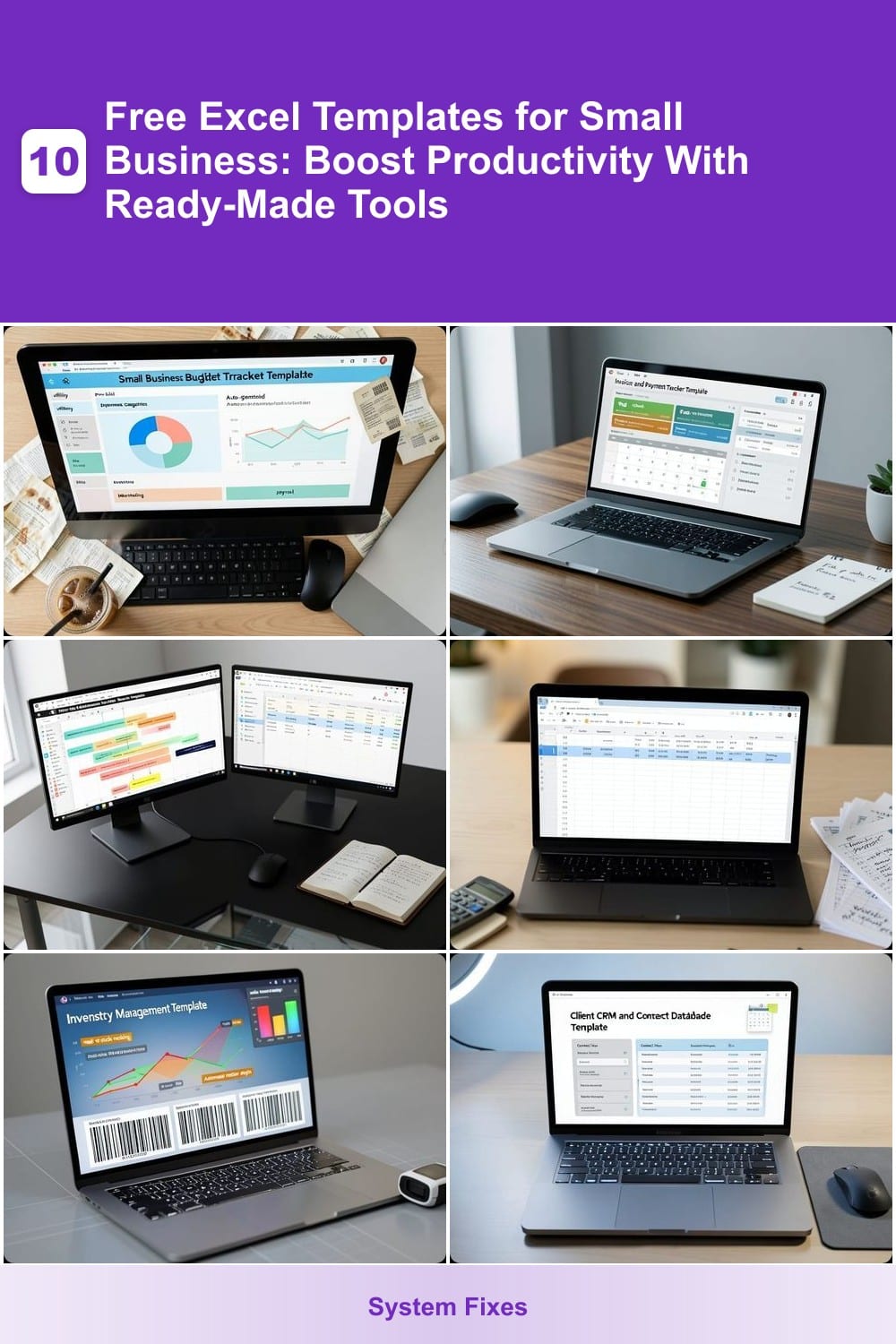
Drowning in receipts and unsure where your money’s going each month? This Small Business Budget Tracker Template turns chaos into clarity with pre-built expense categories (utilities, marketing, payroll) and auto-generated visual charts that highlight spending trends at a glance.
Simply input your income and expenses, and the template does the heavy lifting—calculating monthly totals, comparing budgets vs. actuals, and flagging overspending in real time. The included color-coded dashboard makes it easy to spot leaks in your cash flow, while the year-to-date summary helps you plan for tax season. No accounting degree required—just plug in your numbers and watch insights appear instantly.
Perfect for solopreneurs, freelancers, or startups who need a zero-cost, no-frills way to manage finances without drowning in spreadsheets. Download it, customize your categories, and take control of your budget—no more guessing games. ✨
Invoice and Payment Tracker Template
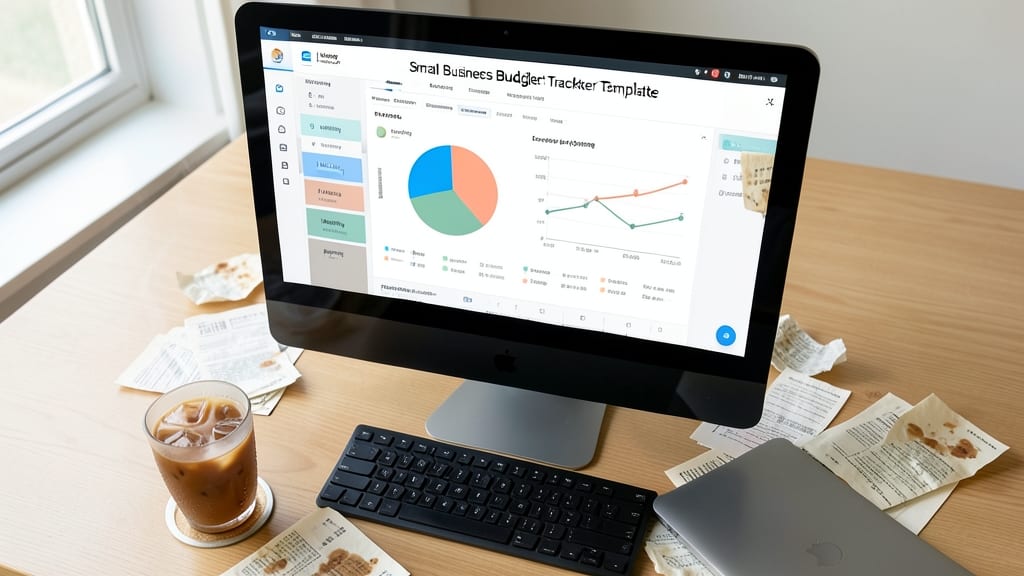
Chasing down late payments or losing track of invoices? This Invoice and Payment Tracker Template automates the entire billing cycle—from due dates to payment statuses—so you never miss a payment again. It’s designed specifically for freelancers and service-based businesses who need a zero-config solution without expensive accounting software.
The template includes auto-calculated reminders for overdue invoices, color-coded payment statuses (paid/pending/overdue), and a follow-up tracker to ensure no client slips through the cracks. With built-in formulas for late fees and recurring invoices, it handles the heavy lifting while keeping your cash flow visible at a glance. Just input your client details, and the template does the rest.
Perfect for freelancers, consultants, or small agencies who invoice clients regularly, this template turns Excel into a fully functional billing system—no subscriptions or complex setups required. 💪
Project Management Timeline Template
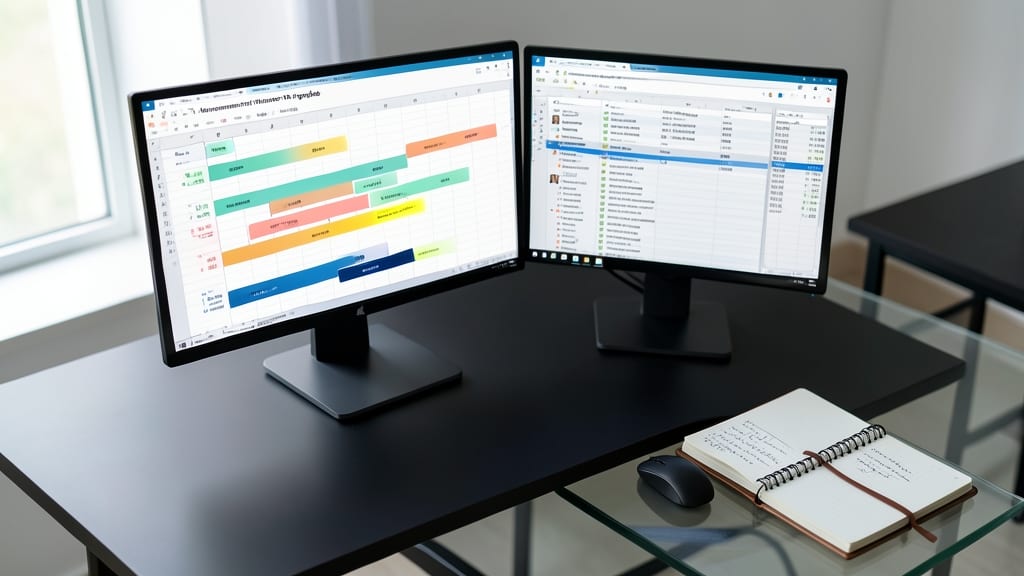
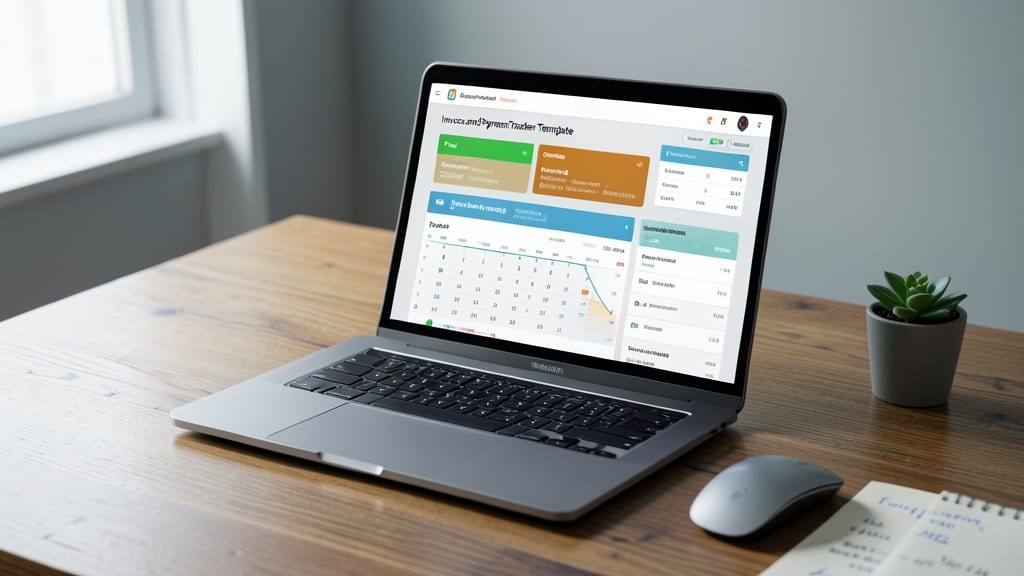
Juggling multiple projects for different clients? This Project Management Timeline Template transforms Excel into a visual Gantt chart—no fancy software required. With drag-and-drop task bars, color-coded milestones, and automatic deadline alerts, you’ll see dependencies and bottlenecks at a glance.
The template includes pre-built sections for client assignments, team roles, and progress tracking, so you can assign tasks, set deadlines, and monitor completion—all in one spreadsheet. Customizable status flags (e.g., "On Track," "Delayed") keep everyone aligned, while the built-in critical path analysis highlights tasks that could derail your timeline if missed.
Perfect for agencies, freelancers, or teams managing multiple clients, this template replaces chaotic email chains and sticky notes with a clear, actionable roadmap. Just plug in your projects and watch your workflow transform. 💻
Employee Timesheet and Payroll Template
Tired of spending weekends crunching payroll numbers or chasing down missed timesheets? This Employee Timesheet and Payroll Template automates the tedious parts—like overtime calculations and tax deductions—so you can focus on running your business instead of doing the books.
The template includes pre-built formulas for hourly wages, overtime pay (based on U.S. Department of Labor standards), and even quarterly tax withholding tables. Just input your employees’ hours, and it generates ready-to-file payroll summaries in seconds. The color-coded status flags (e.g., "Approved," "Pending") keep track of submissions, while the automated audit trail ensures compliance with labor laws.
Perfect for small teams, contractors, or solopreneurs with 1-10 employees, this template cuts payroll prep from hours to minutes—no accounting degree required. 💻
Inventory Management Template for Retail
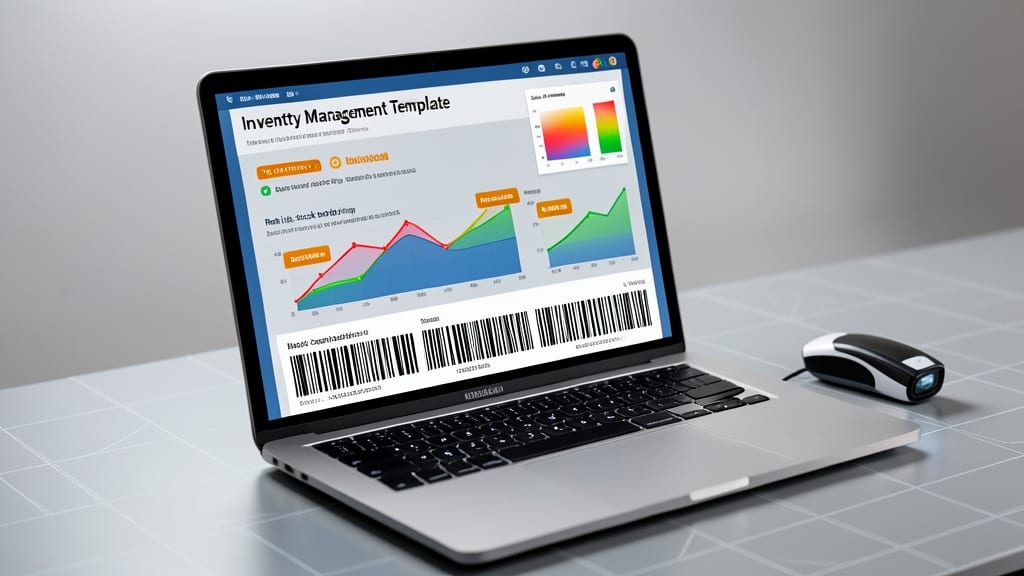
Running out of stock mid-sale—or worse, overstocking and tying up cash—can cripple a retail business. This Inventory Management Template solves both problems with real-time stock tracking, automated reorder alerts, and sales trend analysis built right in.
You’ll get barcode-compatible fields for quick scanning, low-stock thresholds that trigger alerts, and a sales velocity dashboard to predict demand. The template even includes a cost-per-unit calculator to help you spot unprofitable products. Best of all, it’s designed for non-accountants—just input your data, and it handles the rest.
Perfect for e-commerce sellers, boutique owners, or wholesalers who need to balance inventory without hiring a full-time analyst. 💻
Client CRM and Contact Database Template
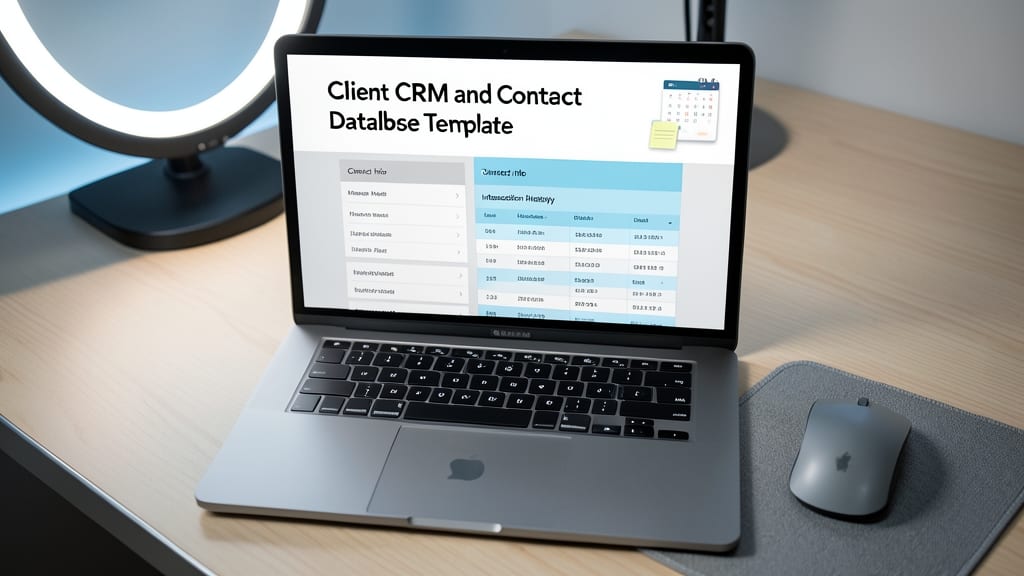
Ever lost track of a client’s last follow-up or mixed up their contact details? This Client CRM and Contact Database Template keeps all your customer interactions—notes, emails, and call dates—in one place, so you never miss a beat.
With dedicated sections for contact info, interaction history, and follow-up deadlines, this template mimics a lightweight CRM without the cost. The built-in color-coded status flags (e.g., "New Lead," "Follow-Up Needed") make prioritizing easy, while customizable fields let you track anything from service details to purchase history.
Ideal for consultants, coaches, or sales teams, this template turns Excel into a powerhouse for client management—no tech degree required. ✨
Break-Even Analysis Calculator Template
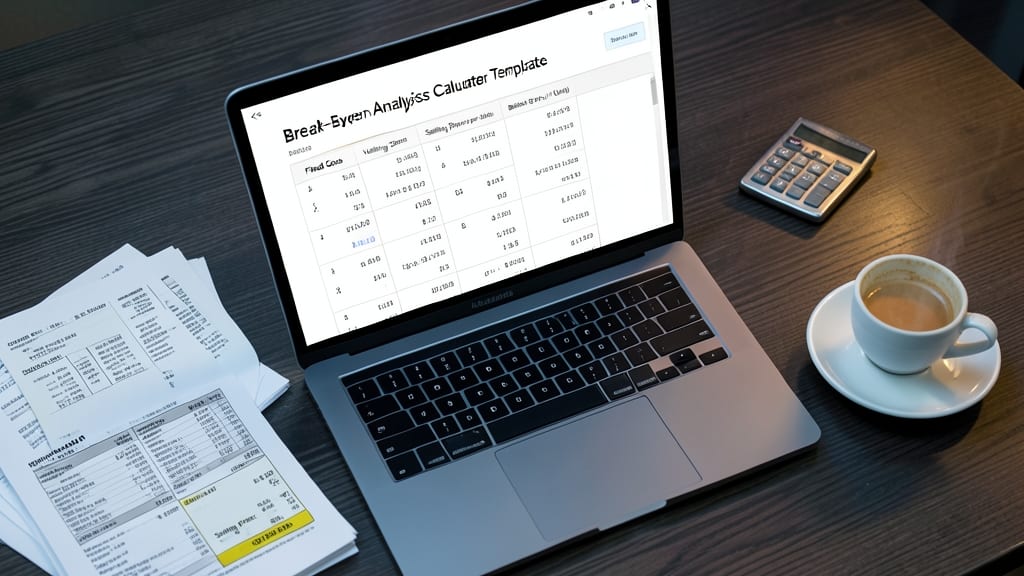
Launching a product or service without knowing your profitability threshold is like flying blind. This Break-Even Analysis Calculator Template crunches the numbers for you, combining fixed costs, variable expenses, and pricing to reveal the exact sales volume needed to turn a profit.
Simply input your one-time startup costs, per-unit production costs, and selling price—the template instantly calculates your break-even point in units and dollars. Visual charts highlight profit margins at different sales volumes, so you can adjust pricing or production strategies on the fly. Compatible with Excel 2016 and later, it even includes sensitivity analysis tools to test how changes in costs or pricing impact your bottom line.
Perfect for startups, e-commerce sellers, or product-based businesses testing new offerings, this template helps you avoid costly missteps before scaling. 💡
Social Media Content Calendar Template

If you’re juggling Instagram, LinkedIn, and TikTok but dread the chaos of last-minute posting, this Social Media Content Calendar Template is your lifesaver. It eliminates guesswork by mapping out post deadlines, platform assignments, and content themes in one centralized view—no scheduling tools required.
The template includes color-coded columns for dates, platforms, content types (e.g., blog links, promotions), and status updates (drafted/published). Pre-built formulas auto-calculate posting frequency and highlight gaps, while a monthly overview tab lets you spot trends at a glance. Simply input your brand’s voice and assets, and watch consistency replace stress.
Perfect for solopreneurs, agencies, or small teams who need a lightweight, no-frills way to plan ahead. Download it, customize your brand’s schedule, and reclaim your focus for engagement—not scrambling. ✨
Expense Reimbursement Request Form
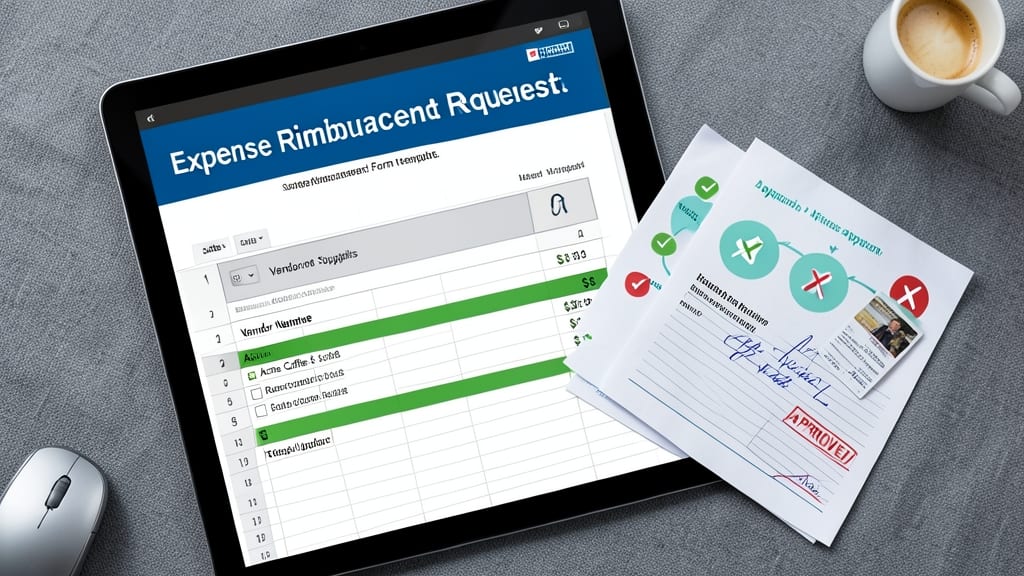
Say goodbye to lost receipts and approval chaos—this Expense Reimbursement Request Form template turns a headache into a streamlined process. It’s designed for teams juggling client dinners, travel costs, or equipment purchases, with fields for date, vendor, amount, receipt uploads, and approval status tracking—all in one centralized sheet.
The template includes a built-in receipt attachment system (via Excel’s hyperlink feature) and color-coded statuses (e.g., pending, approved, rejected) to keep everyone on the same page. You can even add custom rules, like automatic alerts for missing receipts or department-specific approval chains, without touching a line of code. Best of all, it’s fully editable for your company’s reimbursement policy.
Perfect for remote teams, freelancers with client expenses, or small businesses where every dollar counts. No more chasing down paperwork or guessing at totals—just plug in the details and let the template handle the rest. ✨
Goal Setting and Progress Tracker Template
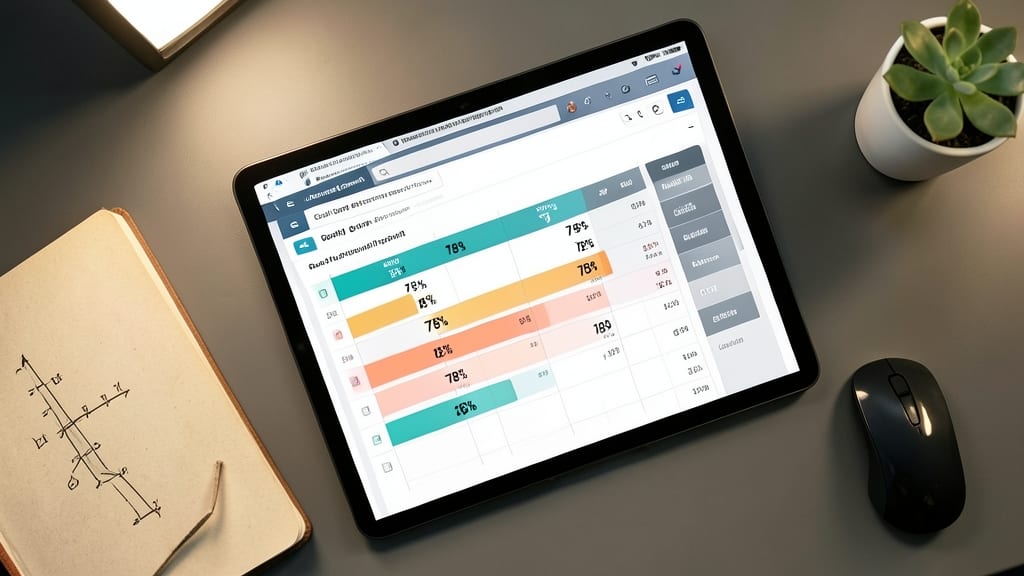
Struggling to turn big-picture goals into actionable steps? This Goal Setting and Progress Tracker Template breaks your annual targets into quarterly milestones with color-coded progress bars and automated completion percentages—no project management software required.
You’ll get SMART goal categories (Specific, Measurable, Achievable, Relevant, Time-bound) pre-built, along with weekly progress check-ins and a visual dashboard to spot trends. The template even includes a team accountability section for remote collaboration, so everyone stays aligned without endless meetings.
Perfect for solopreneurs, startup founders, or small teams who need structure without the complexity of tools like Asana or Trello. Just plug in your goals and watch your progress—no coding or steep learning curve. ✨