Skip to content
System Fixes

System Fixes

  • All Articles
  • App
  • Coding
  • Excel
  • More
    • Hardware
    • Keyboard
    • Microsoft Office
    • Operating System
    • Outlook
    • PowerPoint
    • Review
    • Software
    • Tip & Trick
    • Troubleshooting
    • Windows

Tip & Trick

1200 X 630 Pixels in Inches: Exact Conversion and Print Size Guide

October 16, 2026 by Wesley Marchetti
1200 X 630 Pixels in Inches: Exact Conversion and Print Size Guide

💥 Quick Answer Converting 1200 x 630 pixels to inches depends on DPI (dots per inch): at 72 DPI, this resolution measures 4.17 x 2.31 inches , while at 300 DPI (print standard), it shrinks to 1.6 x 0.84 inches . For…
Read more

Categories Tip & Trick

Best Way to Earn Microsoft Rewards Points: 10 Fastest Ways to Stack Points Daily

November 21, 2026 by Wesley Marchetti
Best Way to Earn Microsoft Rewards Points: 10 Fastest Ways to Stack Points Daily

One of the best ways to earn Microsoft Rewards points is turning your daily habits—like shopping, browsing with Edge, or completing offers—into effortless cashback. ✨ I’ve tested every method over years of using it, and…

Read more

Categories Tip & Trick

Can You Facetime on a Laptop: Compatibility Check and Setup Steps

November 17, 2026 by Wesley Marchetti
Can You Facetime on a Laptop: Compatibility Check and Setup Steps

💥 Quick Answer You can Facetime on a laptop only if you're using macOS, where Apple's native FaceTime app works seamlessly with built-in cameras and microphones. Windows laptops can't use Apple's FaceTime but can…

Read more

Categories Tip & Trick

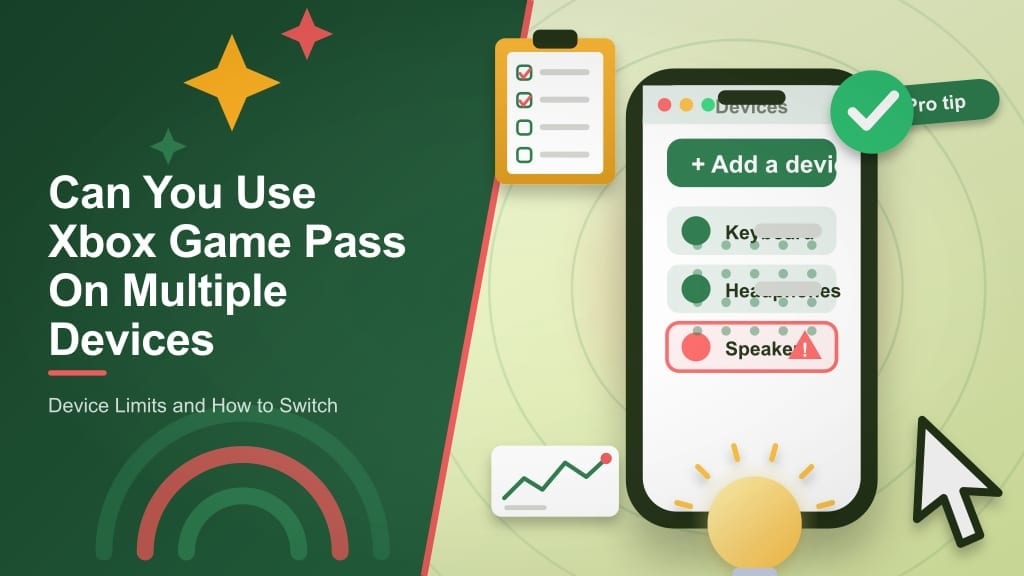
Can You Use Xbox Game Pass On Multiple Devices: Device Limits and How to Switch

November 21, 2026 by Wesley Marchetti
Can You Use Xbox Game Pass On Multiple Devices: Device Limits and How to Switch

You can use Game Pass on multiple devices—here’s how to maximize your single subscription across up to 10 devices at once. Sign in to each device separately to access your library. Microsoft designed Game Pass to work…

Read more

Categories Tip & Trick

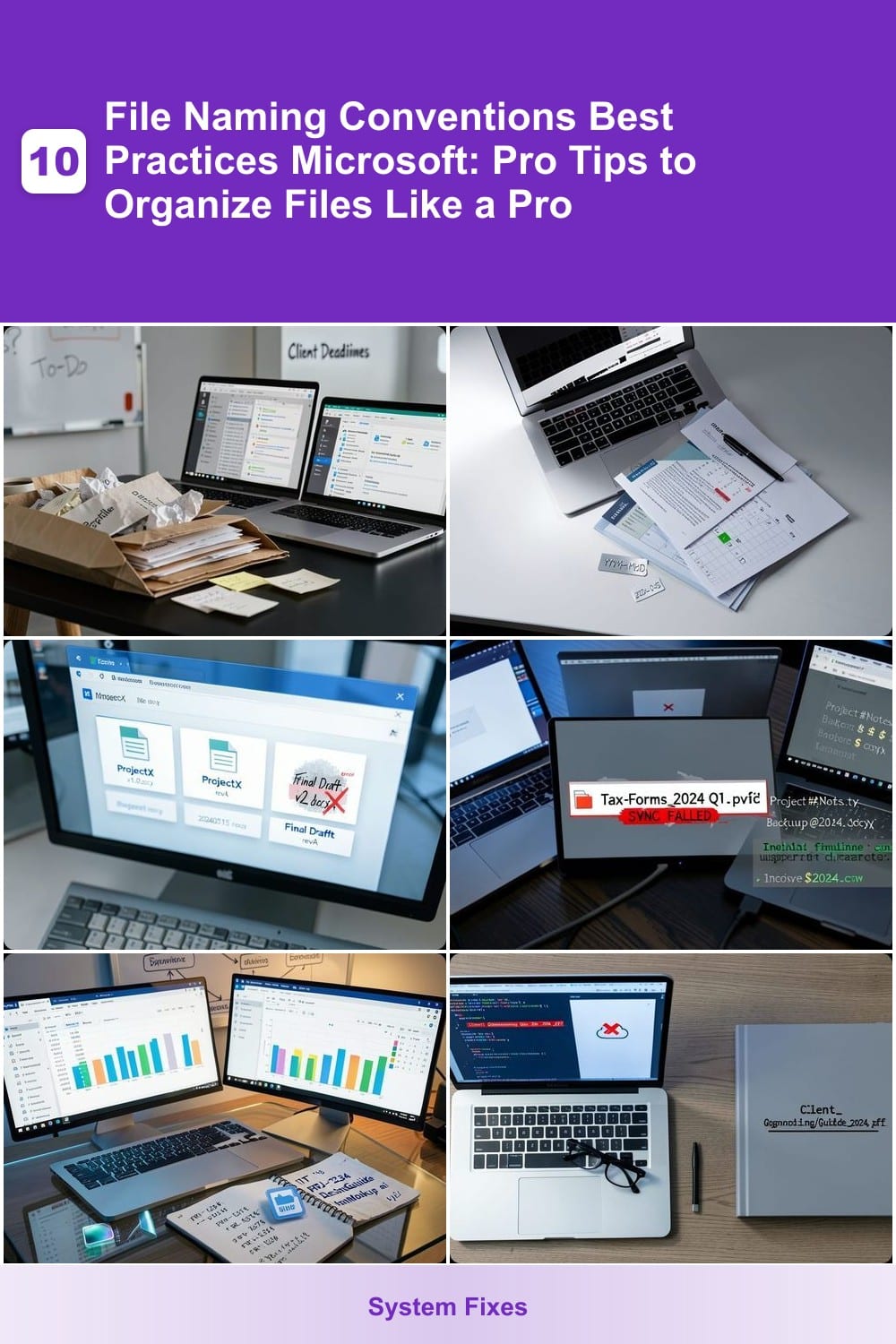
File Naming Conventions Best Practices Microsoft: Pro Tips to Organize Files Like a Pro

October 13, 2026 by Wesley Marchetti
File Naming Conventions Best Practices Microsoft: Pro Tips to Organize Files Like a Pro

Struggling to find files in cluttered folders? Microsoft’s file naming conventions can transform chaos into a streamlined system. These seven best practices will help you save time, improve collaboration, and keep your…

Read more

Categories Tip & Trick

How to Activate Microsoft 365 on Mac: One-Click Setup for Instant Access

October 13, 2026 by Wesley Marchetti
How to Activate Microsoft 365 on Mac: One-Click Setup for Instant Access

Activating Microsoft 365 on your Mac used to feel like navigating a maze—until I streamlined the process after helping my dad set up his first subscription. ⚡ The key is knowing where to click and what to expect, whether…

Read more

Categories Tip & Trick

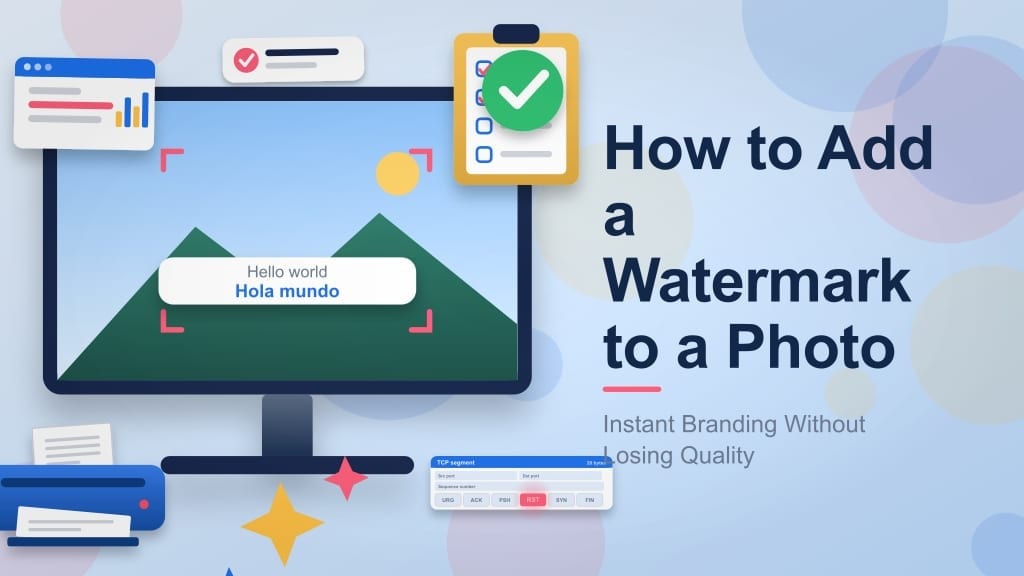
How to Add a Watermark to a Photo: Instant Branding Without Losing Quality

November 21, 2026 by Wesley Marchetti
How to Add a Watermark to a Photo: Instant Branding Without Losing Quality

Adding a watermark to your photos is the fastest way to protect your work without sacrificing quality—something I learned the hard way after losing track of my first batch of digital photos in 2002. Back then, we didn’t…

Read more

Categories Tip & Trick

Boot Surface Pro From USB: One-Command Reset for Stubborn Starts

November 17, 2026 by Wesley Marchetti
Boot Surface Pro From USB: One-Command Reset for Stubborn Starts

To boot your Surface Pro from USB, you’re about to unlock a one-command reset that works even when Windows refuses to play nice. ⚡ I’ve used this trick to revive stubborn Surface Pros in under 15 minutes —no Microsoft…

Read more

Categories Tip & Trick

How to Change Language on Microsoft Account: Instant Switch in 3 Simple Clicks

November 17, 2026 by Wesley Marchetti
How to Change Language on Microsoft Account: Instant Switch in 3 Simple Clicks

Changing your Microsoft account language used to mean digging through obscure settings menus—but now it’s a three-click process that works across every Microsoft service. ✨ I’ve helped dozens of friends switch from…

Read more

Categories Tip & Trick

How to Change Notes Password on Mac: Step-by-Step Visual Reset Guide

October 16, 2026 by Wesley Marchetti
How to Change Notes Password on Mac: Step-by-Step Visual Reset Guide

Learn how to change your Notes password on a Mac the easy way—Apple’s built-in reset feature saves your data while unlocking access in seconds. ⚡ I’ve helped friends unlock their notes after forgetting passwords, and…

Read more

Categories Tip & Trick
Page1Page2Page3…Page10Next →

About Me

Wesley Marchetti

Wesley Marchetti
My first computer was a clunky desktop my parents bought me in the late '90s, and I spent hours tinkering with it—mostly breaking things before figuring out how to fix them. That curiosity never left me, and now I run this site to help others navigate the digital world without pulling their hair out. Whether it’s troubleshooting a stubborn Windows update or choosing the right Linux distro, I’m here to make tech feel less intimidating—and a little more fun.

Learn more

Recent Posts

  • How to Set up Thunderbird Email: No-Code Configuration for Secure Sync
    How to Set up Thunderbird Email: No-Code Configuration for Secure Sync
  • Microsoft Text-to-Speech Voices Download: Offline Installer for Full Library Access
    Microsoft Text-to-Speech Voices Download: Offline Installer for Full Library Access
  • Install Windows 11 Admx Templates on Domain Controller: Domain Controller Deployment Guide for IT Pros
    Install Windows 11 Admx Templates on Domain Controller: Domain Controller Deployment Guide for IT Pros
  • How to Turn on Email Notifications: Three-Click Activation for Every Device
    How to Turn on Email Notifications: Three-Click Activation for Every Device
  • How to Get Microsoft Rewards Level 2: Hidden Points Multiplier Unlocked
    How to Get Microsoft Rewards Level 2: Hidden Points Multiplier Unlocked
  • All Guides
  • About
  • Contact
  • Privacy Policy
  • Cookie Policy
  • Terms of Use
© 2026 systemfixes.click