
PowerPoint
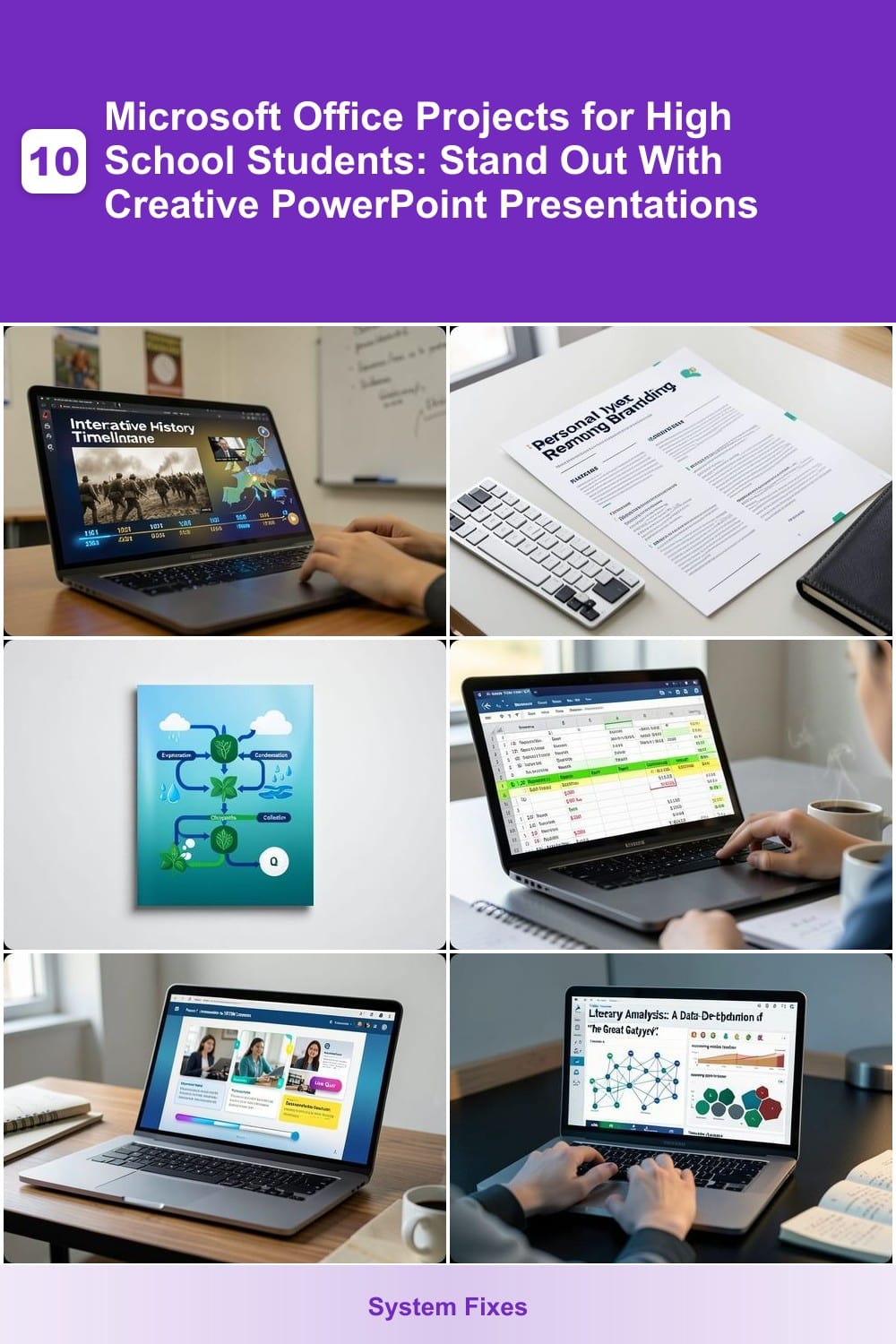
High school students can showcase their creativity and skills with Microsoft Office projects that impress teachers and peers alike. These 10 standout ideas leverage PowerPoint, Excel, and Word to create polished, professional work perfect for class presentations, competitions, or college applications.
Interactive History Timeline in PowerPoint

Dry history lectures become unforgettable with an Interactive History Timeline in PowerPoint—where dates, photos, and events pop off the screen with animations and multimedia. Instead of static text, you’ll use morph transitions to show cause-and-effect connections, embed short video clips of speeches or battles, and layer historical photos with captions that appear on click.
Start by organizing events chronologically on a custom timeline template, then add triggered animations (like fading in key figures) to guide your audience. Use PowerPoint’s Insert > Online Video to pull in clips from YouTube, and Shapes tool to create visual dividers for eras. For extra impact, include a "Then vs. Now" slide comparing old photos to modern locations—like the Berlin Wall or the Great Wall of China.
Perfect for history class projects, National History Day competitions, or debate prep—this timeline teaches storytelling skills while making complex timelines engaging. Judges and teachers will remember your presentation long after the final slide fades. ⚡
Personal Branding Resume in Word
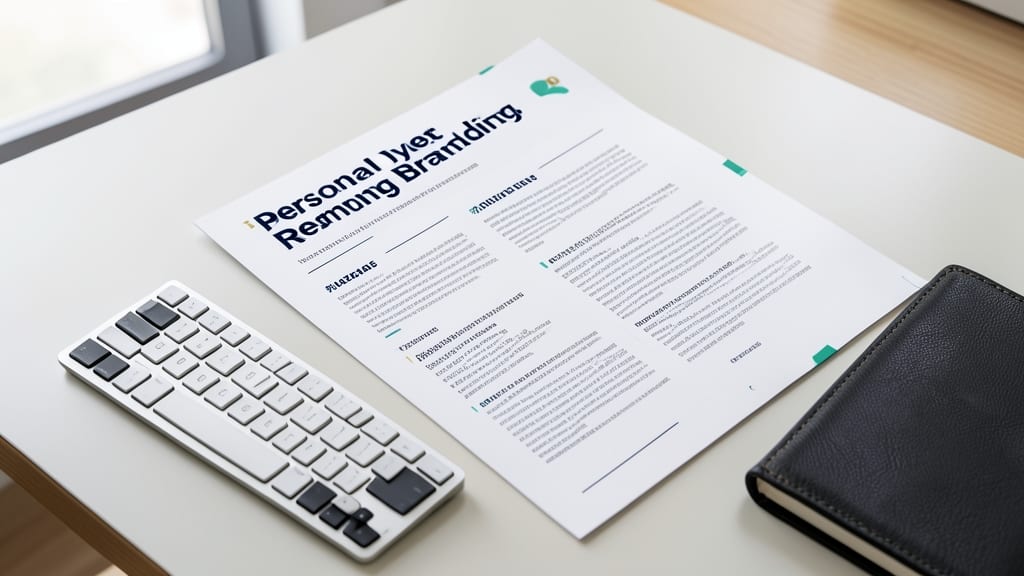
Your first professional document doesn’t have to be intimidating—create a Personal Branding Resume in Word that stands out while teaching you the skills employers actually want. This project goes beyond basic templates by helping you master alignment, typography hierarchy, and white space—the same principles used in corporate design.
Start with Word’s built-in resume templates, then customize the Modern CV layout to include sections like "Skills" (with icons from Flaticon) and "Projects" (highlighting your Microsoft Office skills). Use the Navigation Pane to rearrange sections effortlessly, and apply the Montserrat font (free from Google Fonts) for a sleek, modern look. Add a subtle geometric border using Word’s Shapes tool to give it personality without clutter.
Perfect for career readiness courses or students applying for internships—this project builds a real-world document while teaching design principles that transfer to future work. Your polished resume could land you that first job interview! 💪
Science Infographic Poster in PowerPoint
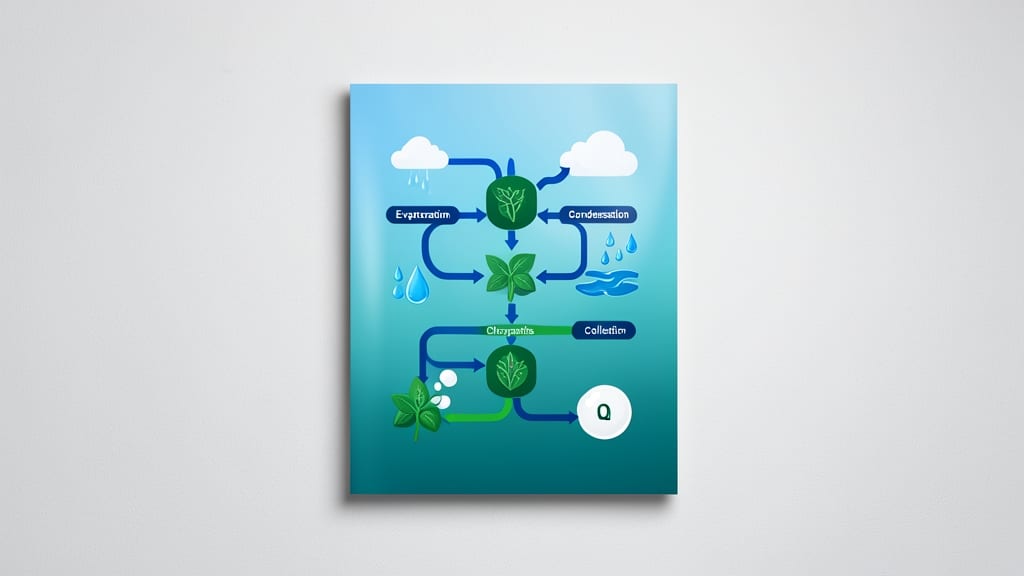
Turn abstract science into eye-catching visuals with a Science Infographic Poster in PowerPoint. Instead of dense text, you’ll use icons, flowcharts, and color-coded data to explain concepts like the water cycle or photosynthesis in seconds—not pages.
Start with PowerPoint’s SmartArt graphics to map processes (e.g., cellular respiration) or use inserted charts to compare data (like pH levels across ecosystems). Add custom icons from free sites like Flaticon, and embed short videos or GIFs to demonstrate reactions. Export as a high-res PDF or print poster-sized for science fairs.
This project is perfect for group science projects or solo research presentations—it teaches data visualization skills that’ll impress judges or college admissions officers. ✨
Budget Tracker Spreadsheet in Excel

Turn abstract financial concepts into hands-on skills with a Budget Tracker Spreadsheet in Excel—where students learn to balance income vs. expenses while mastering formulas like SUMIF and VLOOKUP. This project goes beyond theory by letting them input real-world data (like rent, groceries, or savings goals) and visualize spending patterns with dynamic charts.
Start with a color-coded layout for categories (e.g., green for income, red for fixed costs) and add conditional formatting to highlight overspending. Use data validation dropdowns for consistent entries and a monthly summary dashboard to track progress. Teachers can tie this to lessons on interest rates or tax deductions by adding extra columns for savings calculations.
Perfect for personal finance classes or career prep—students walk away with a reusable tool and the confidence to manage their own budgets. 💻
Virtual Classroom Presentation in PowerPoint

Turn your PowerPoint into a mini online course with embedded videos, live quizzes, and clickable slides—just like a real teacher-led lesson. This project lets you experiment with interactive learning tools while building a portfolio piece that stands out in STEM or ed-tech classes.
Start by inserting short video clips (from YouTube or your own recordings) to explain concepts, then add embedded quizzes using PowerPoint’s Insert > Forms feature. Use hyperlinks to create slide navigation menus and triggers for animations that reveal answers. The Presenter View lets you practice timing like a pro.
Perfect for students interested in educational technology, computer science, or teaching—this project proves you can design engaging digital lessons without coding. 💻
Literary Analysis Dashboard in Excel
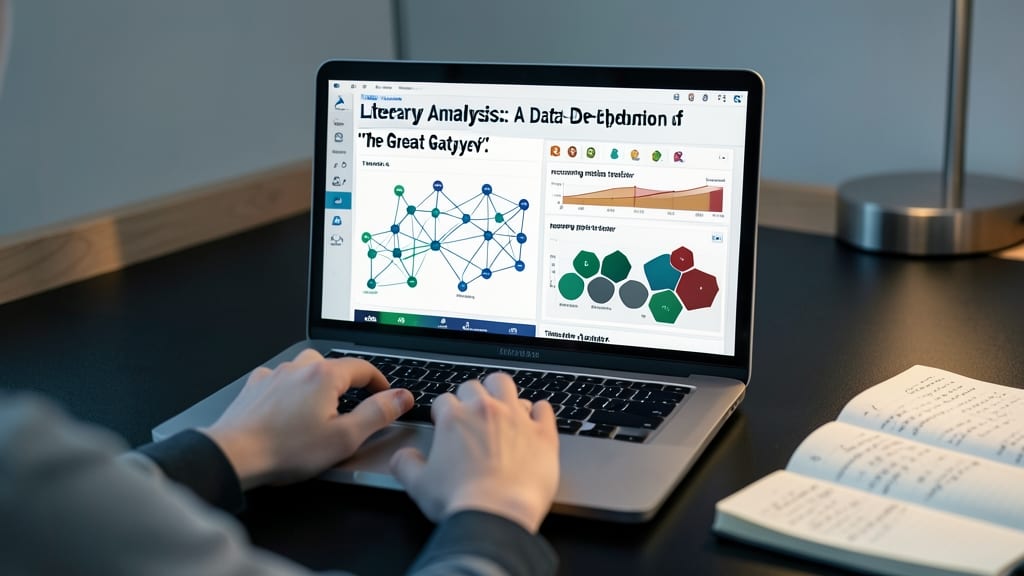
Ditch the traditional book report and turn literary analysis into a data-driven experience with an Excel Literary Dashboard. Instead of writing paragraphs about themes, you’ll visualize character relationships with network graphs, track plot twists in timelines, and highlight recurring motifs using word clouds—all while mastering Excel’s pivot tables and conditional formatting.
Start by organizing your book’s key elements in separate sheets: one for character arcs (with start/end points for growth), another for themes (coded by frequency), and a third for plot events (marked by chapter). Use Sparkline charts to show emotional arcs and conditional formatting to color-code recurring symbols. For extra flair, insert book cover images as headers and link data points to create interactive summaries.
Perfect for AP Literature students or book club presentations, this project proves you can blend tech skills with literary analysis—and wow teachers with a fresh, analytical approach. 💡
School Event Planning Flyer in Publisher
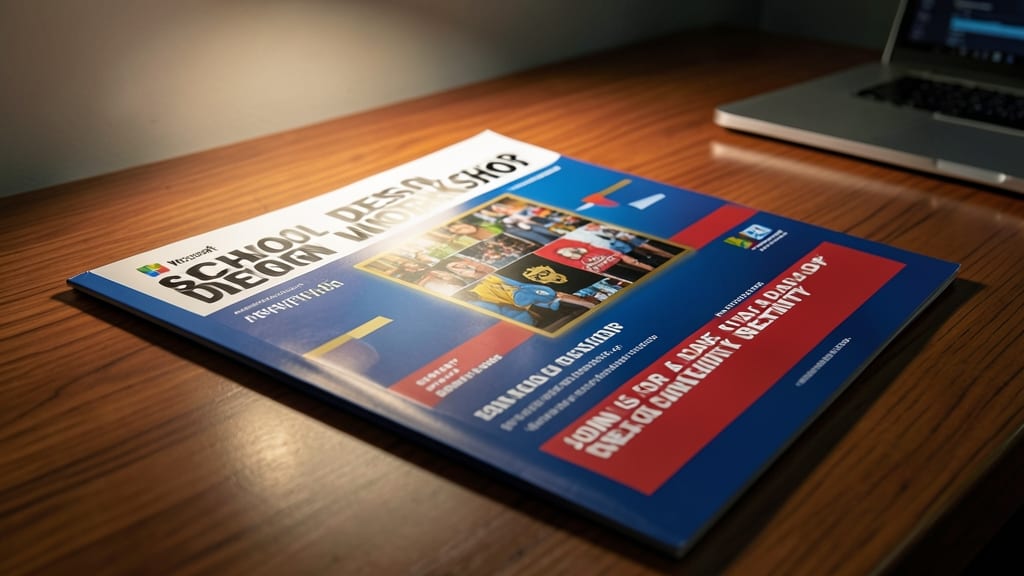
Want to turn a school club meeting into a packed event? A School Event Planning Flyer in Microsoft Publisher lets you combine graphic design with event coordination—all while building skills that’ll impress teachers and peers.
Start by designing a bold, eye-catching layout with your school’s colors and mascot. Use Publisher’s pre-built templates (like "Event" or "Promotion") to save time, then customize with event details, dates, and RSVP info. Add a QR code (using free online tools) to link to a sign-up form, and export as a PDF or high-res print for posters around campus.
This project is perfect for student council members, club officers, or anyone organizing events—it teaches real-world design and planning skills while making your school activities shine. 🌟
Math Problem Solver Guide in PowerPoint

Struggling with algebra or geometry? A Math Problem Solver Guide in PowerPoint turns abstract equations into clear, animated tutorials. Instead of static text, you’ll use step-by-step animations (like fading in solutions or highlighting key formulas) to show the why behind the how—perfect for visual learners.
Start with handwritten-style fonts (like Math Type or PowerPoint’s built-in equation tools) to mimic chalkboard lessons, then add morph transitions to reveal solutions gradually. Use shapes and arrows to guide the eye through proofs, and embed voice recordings to explain tricky parts. For extra engagement, include interactive quizzes (via PowerPoint’s Insert > Forms) to test understanding.
This project is ideal for math tutors, study groups, or solo learners—whether you’re prepping for exams or helping peers grasp concepts. Share it digitally or print as a poster for your classroom. 💡
Social Media Campaign Pitch in PowerPoint
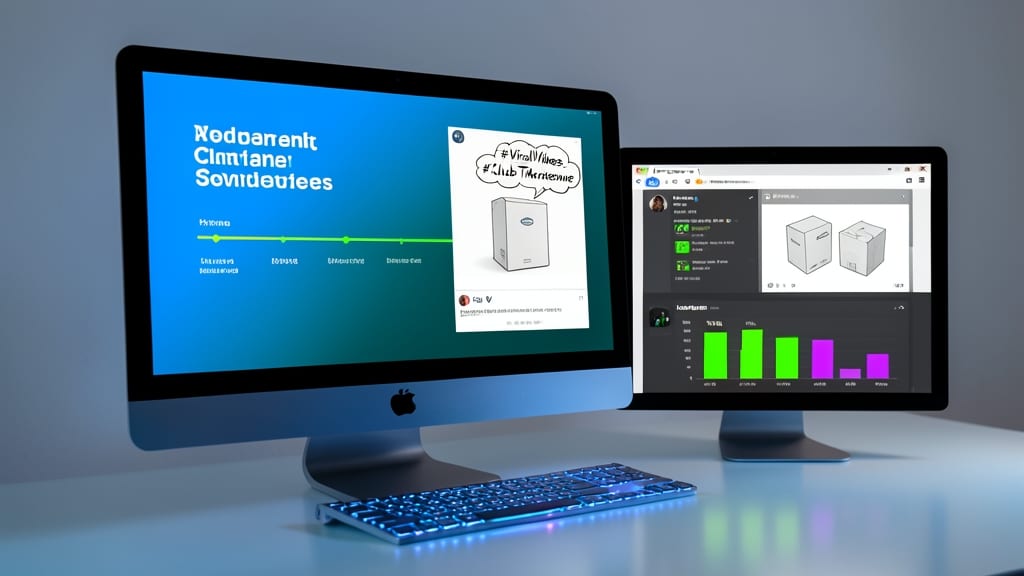
Want to turn a school club or fictional product into a viral sensation? A Social Media Campaign Pitch in PowerPoint lets you design a full-fledged marketing strategy—complete with mock posts, hashtags, and analytics—using only PowerPoint’s built-in tools.
Start by creating a campaign timeline slide with key milestones (e.g., launch week, engagement goals), then design mock social media posts using PowerPoint’s text boxes and Canva-style templates. Add a budget breakdown (e.g., $50 for influencer collabs) and KPI dashboard with fake engagement metrics (likes, shares). Use trendy fonts and color palettes from sites like Coolors to match platforms like Instagram or TikTok. Export as a PDF to impress teachers or share digitally with peers.
This project is perfect for business, communications, or marketing classes—it teaches real-world skills like branding, audience targeting, and data-driven storytelling without needing coding or external tools. 💡
Personalized Vision Board in PowerPoint
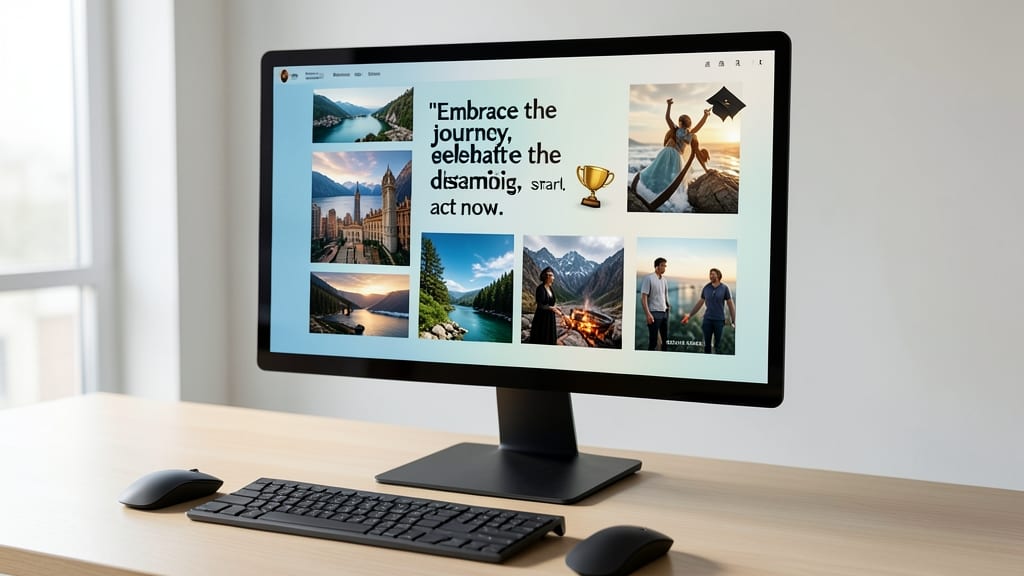
Turn your dreams into a digital masterpiece with a Personalized Vision Board in PowerPoint—where creativity meets self-discovery. This project blends visual storytelling with motivational design, helping you visualize goals through images, quotes, and aspirational themes.
Start by inserting high-quality images (career icons, travel destinations, or hobbies) alongside bold typography for motivational quotes. Use PowerPoint’s morph transitions to animate elements smoothly, and layer shapes for a collage effect. Save as a PDF to print or share digitally—perfect for career counseling portfolios or personal growth reflections.
Ideal for students exploring self-improvement projects, this vision board teaches design skills while reinforcing goal-setting. Whether for college applications or personal inspiration, it’s a standout way to merge tech and motivation. ✨