
Software
Working with date and time values requires standardized formats to ensure compatibility across systems. These seven essential formats—from modern ISO standards to legacy RFC specifications—help developers handle timestamps efficiently in any programming environment.
ISO 8601 Standard Date-Time Format
When your application needs to speak every language—literally—ISO 8601 is the universal translator for dates and times. This internationally recognized standard eliminates ambiguity by using a strict YYYY-MM-DD structure, ensuring machines (and humans) parse timestamps correctly across borders.
The format’s power lies in its precision: 2023-10-15T14:30:00Z includes the date, time, and timezone offset (UTC in this case), making it ideal for APIs, databases, and cloud services. Libraries like Python’s datetime and JavaScript’s toISOString() natively support it, while tools like PostgreSQL and MongoDB use it as their default. No more guessing whether "01/02/2023" means January 2nd or February 1st!
Developers building global applications or integrating systems should default to ISO 8601—it’s the only format that guarantees consistency without extra validation. ⚡
RFC 2822 Email Date Format
If you’ve ever sent an email and wondered why the timestamp reads "Sun, 15 Oct 2023 14:30:00 +0000" instead of a sleek ISO format, you’re looking at RFC 2822 in action. This legacy email standard was designed for SMTP and MIME headers, ensuring older systems could parse dates without errors—even when newer formats like ISO 8601 weren’t universal.
The format follows a strict structure: day name, day/month/year, time, and timezone offset (e.g., +0000 for UTC). While it may look outdated, it’s still hardcoded into email servers, making it critical for parsing incoming messages. Libraries like Python’s email.utils or Java’s javax.mail rely on it to decode headers correctly.
This format is a must-know for email developers, sysadmins, and archivists dealing with legacy systems or parsing raw email data. ⚡
Unix Epoch Time (Seconds Since 1970)
When your backend needs to handle timestamps with zero ambiguity and maximum efficiency, Unix Epoch Time is the go-to choice. Representing time as seconds since January 1, 1970 (UTC), this format eliminates timezone confusion and reduces storage needs—critical for APIs, databases, and system logs.
At its core, Epoch Time is a 64-bit integer (or 32-bit for older systems), making it perfect for sorting, calculations, and comparisons. For example, the timestamp 1697387800 translates to October 15, 2023, at 14:30:00 UTC. Libraries like Python’s time.time() or JavaScript’s Date.now() generate these values natively, while frameworks like Node.js and Django support seamless conversion to human-readable formats.
Backend developers and DevOps engineers rely on Epoch Time for cross-platform consistency, especially when syncing logs or processing events in real-time. Its simplicity also makes it ideal for embedded systems and IoT devices with limited resources. ⚡
ANSI C Date-Time Format
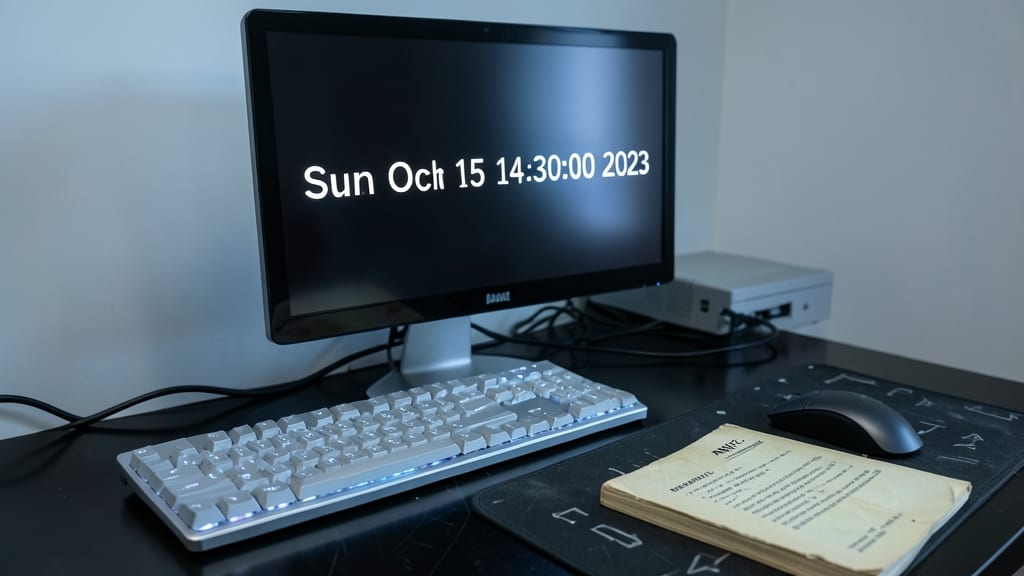
If you're working with C or C++, the ANSI C date-time format is your gateway to handling timestamps in a way that’s both familiar and future-proof. This format—like %a %b %d %H:%M:%S %Y (e.g., Sun Oct 15 14:30:00 2023)—is deeply embedded in the language’s standard library, ensuring consistency across compilers and systems.
The real power comes from functions like strftime() (formatting) and strptime() (parsing), which let you convert between human-readable strings and structured time data. It’s the go-to for embedded systems, legacy codebases, and any project where you need zero-config compatibility with decades-old standards. Even modern frameworks often rely on it under the hood.
Perfect for developers maintaining C/C++ codebases, integrating with older systems, or writing cross-platform tools where simplicity and reliability matter most. 💻
JavaScript Date Format (YYYY-MM-DD)
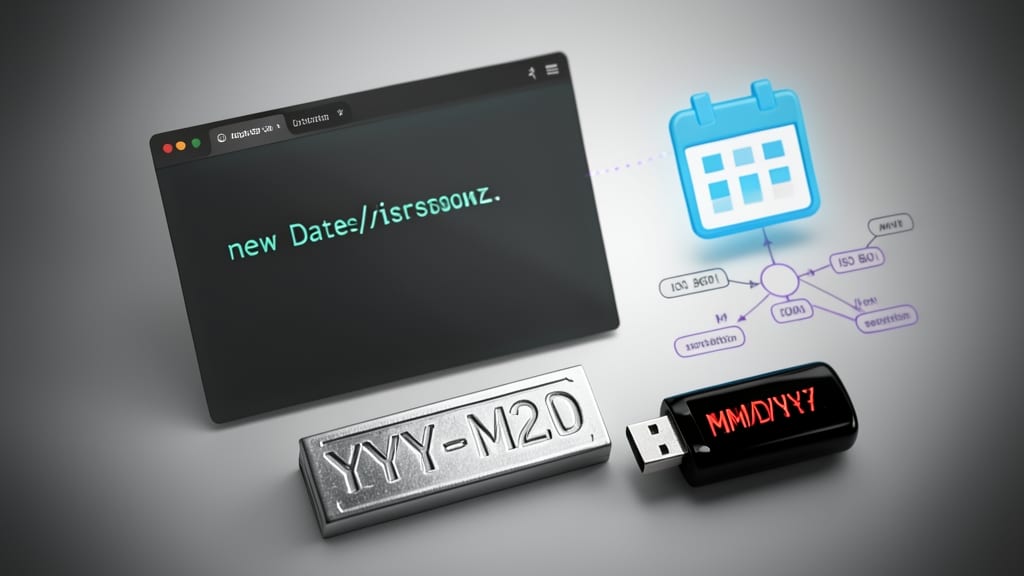
Frontend developers love YYYY-MM-DD because it’s the default output of JavaScript’s Date object when using toISOString() or toJSON(). This format isn’t just convenient—it’s designed to work seamlessly with modern web APIs and backend systems that expect ISO-like structures.
The simplicity of YYYY-MM-DD eliminates ambiguity in date parsing, especially when combined with time (e.g., YYYY-MM-DDTHH:mm:ssZ). JavaScript’s built-in methods like new Date("2023-10-15") handle this format natively, reducing errors in date validation and manipulation. It’s also a favorite for RESTful APIs where consistency matters most.
Perfect for full-stack developers working with Node.js, React, or Vue, this format bridges frontend and backend workflows without extra conversion steps. ⚡
SQL Date-Time Formats (MySQL, PostgreSQL)
When your application relies on MySQL or PostgreSQL, using the right date-time format isn’t just about readability—it’s about query performance and storage efficiency. The standard format, YYYY-MM-DD HH:MM:SS, is optimized for relational databases, ensuring consistent sorting, indexing, and compatibility across enterprise systems.
MySQL supports this format natively, while PostgreSQL extends it with additional precision (e.g., YYYY-MM-DD HH:MM:SS.US). Both databases also recognize ISO 8601 variants for flexibility, but the classic SQL format remains the best choice for joins, filtering, and storage optimization. For example, WHERE created_at BETWEEN '2023-01-01' AND '2023-12-31' executes faster than ambiguous formats.
This format is ideal for data analysts, backend developers, and enterprise architects building systems where precision and consistency matter most. 💻
Excel Date-Time Serial Numbers
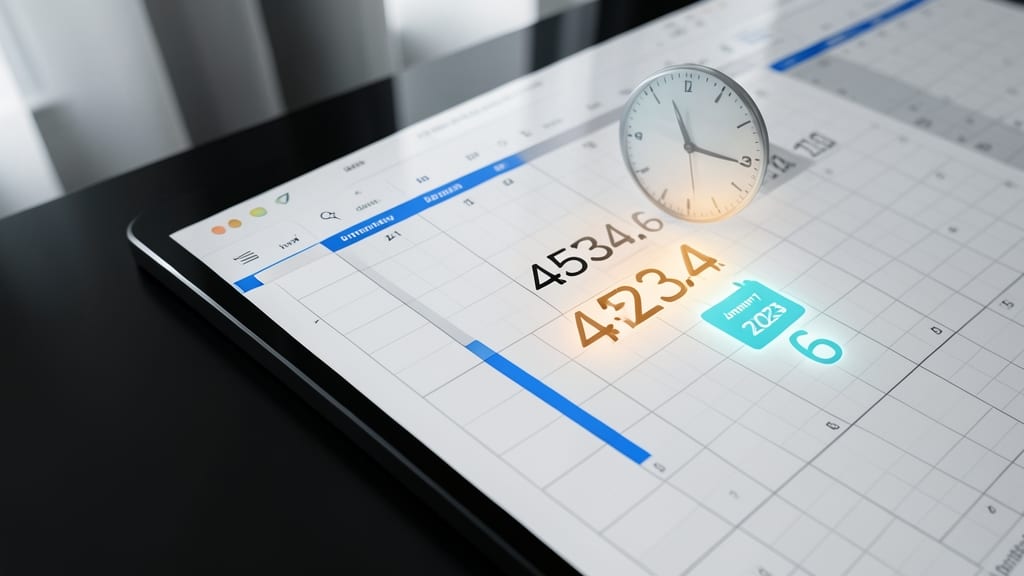
Ever wondered how Excel magically handles dates as numbers like 45234.6? This serial number system stores dates as decimal values—where 45234 represents January 1, 2023, and the decimal .6 adds 14.4 hours (2:14 AM). Unlike traditional formats, it enables seamless calculations, conditional formatting, and automation without manual conversions.
The format’s power lies in its zero-based offset: January 1, 1900, is 1, and each day increments by 1. This makes it perfect for time-based formulas (e.g., =TODAY()-A1 to calculate project durations) or visualizing trends with charts. Excel’s built-in functions like DATEVALUE and TEXT bridge serial numbers to human-readable formats effortlessly.
Perfect for financial analysts, project managers, or anyone automating workflows in Excel or Google Sheets. ⚡