
Tip & Trick
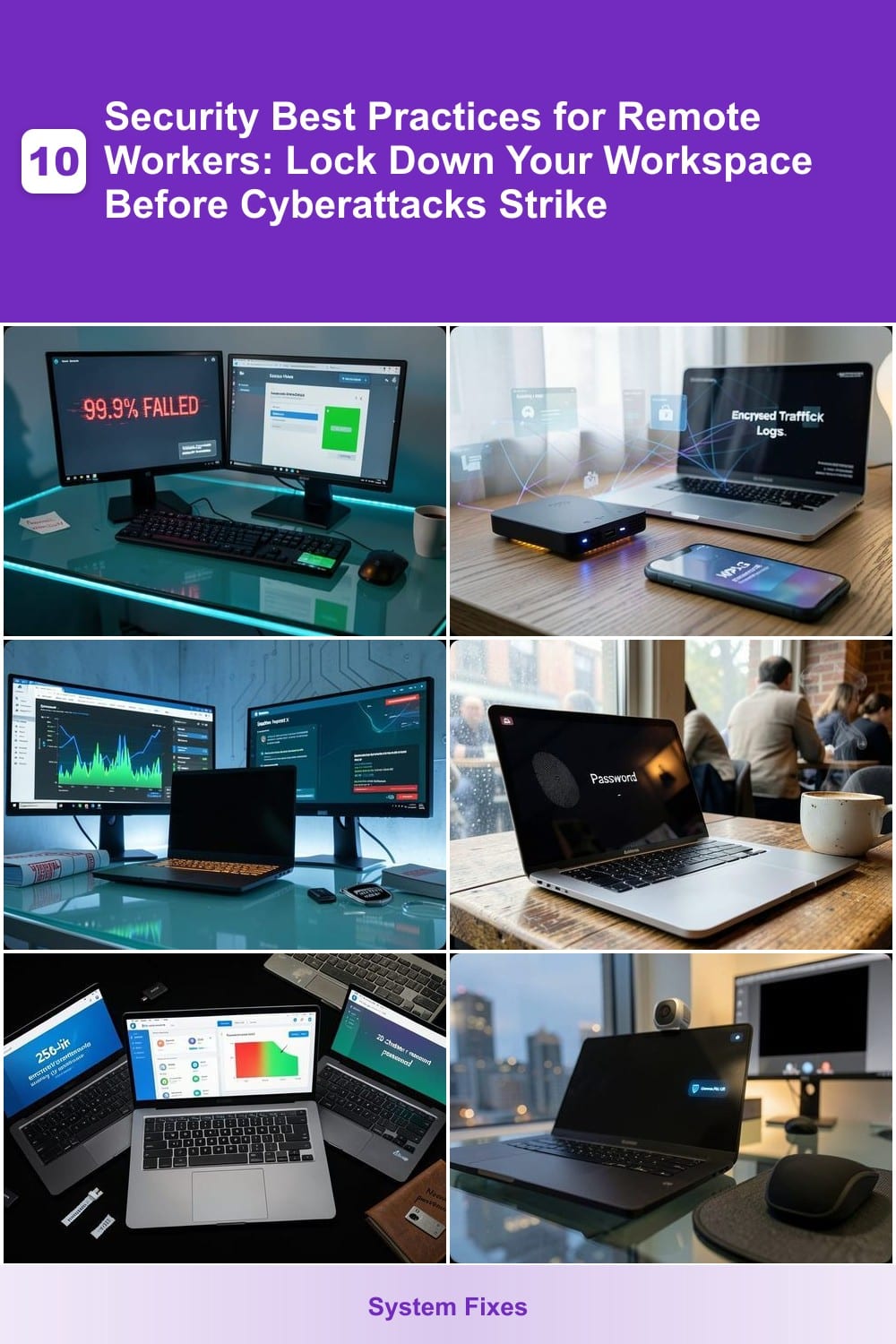
Remote work offers flexibility but exposes your digital life to cyber threats. These 10 security best practices will help you create an impenetrable remote workspace, protecting sensitive data from phishing, malware, and unauthorized access.
Use Multi-Factor Authentication Everywhere
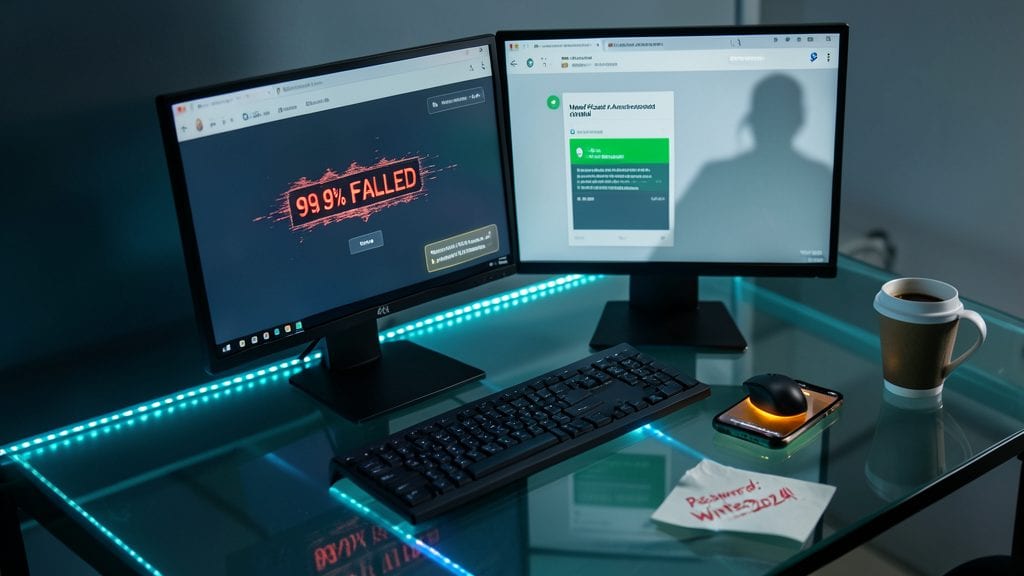
If you think passwords alone are enough to keep hackers out, think again—99.9% of account takeovers happen because of weak or stolen credentials. Multi-Factor Authentication (MFA) adds an extra layer of defense, making unauthorized access nearly impossible without your second verification step.
Most services now support SMS codes, authenticator apps (like Google Authenticator or Authy), or hardware keys for frictionless security. For corporate logins, FIDO2 keys (like YubiKey) offer phishing-resistant protection, while cloud services like Microsoft 365 and Google Workspace make MFA setup zero-config with one-click prompts.
This is non-negotiable for anyone handling sensitive data—whether you're a freelancer, remote employee, or small business owner. Enable it everywhere: email, banking, and even social media. 💪
Secure Your Home Wi-Fi Network
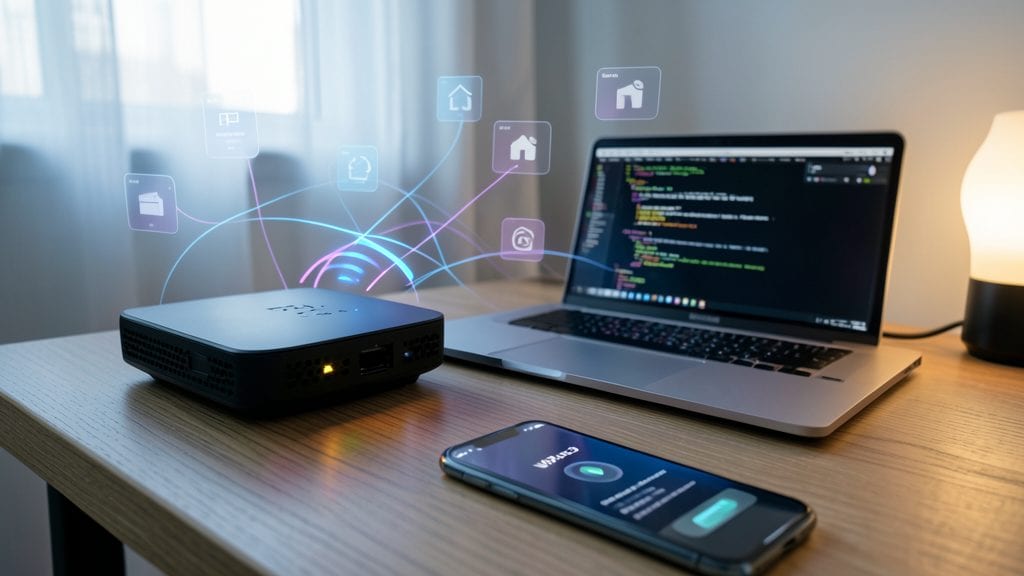
Your home Wi-Fi isn’t just for streaming movies—it’s the gateway to your bank accounts, work files, and smart devices. Without proper encryption, hackers can eavesdrop on your traffic or even hijack your connection to launch attacks against others on the same network.
Start by enabling WPA3 encryption (the latest standard) on your router, which replaces weaker protocols like WPA2. Change the default SSID (network name) and administrator password—these are often left unchanged and easily guessable. For added security, create a separate guest network for visitors, isolating their devices from your main traffic.
This setup is a must for remote workers, families sharing devices, or anyone who’s ever connected to public Wi-Fi. A secure network stops man-in-the-middle attacks before they start. ✨
Install Enterprise-Grade Antivirus Software
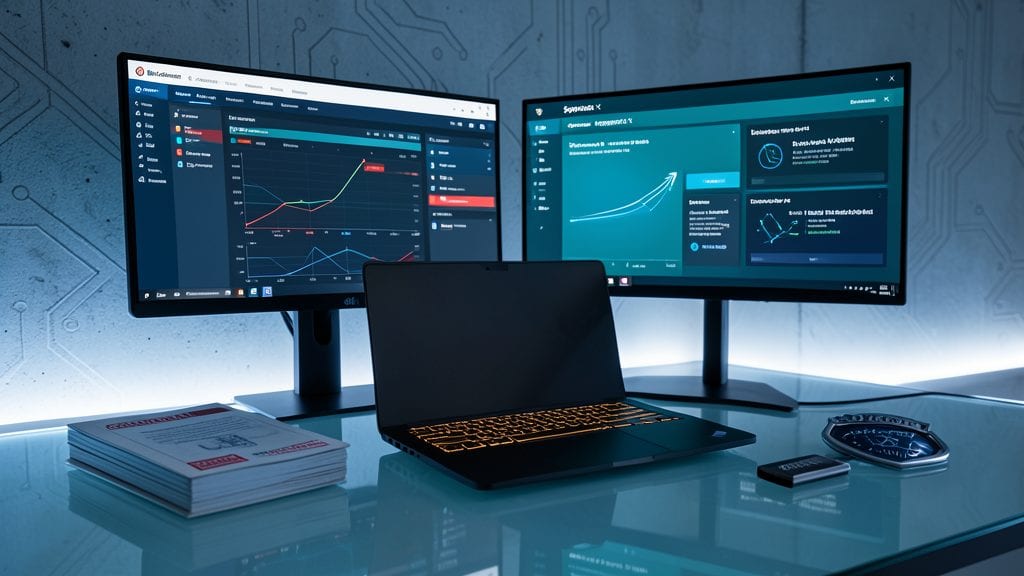
Free antivirus tools can’t keep up with today’s zero-day exploits—especially when handling confidential client files or proprietary company data. Enterprise-grade solutions like Bitdefender GravityZone or Sophos Intercept X add layers of protection most consumer software lacks, including behavioral analysis to stop threats before they execute.
These tools offer real-time threat detection for ransomware, spyware, and advanced malware, plus automated patch management to close vulnerabilities before hackers exploit them. Features like sandboxing (isolating suspicious files) and AI-driven anomaly detection ensure even encrypted threats get flagged. For remote workers, centralized management dashboards let IT teams push updates and policies instantly across all devices.
If your role involves financial data, healthcare records, or R&D documents, enterprise antivirus isn’t optional—it’s your last line of defense. 💻
Enable Full-Disk Encryption Immediately
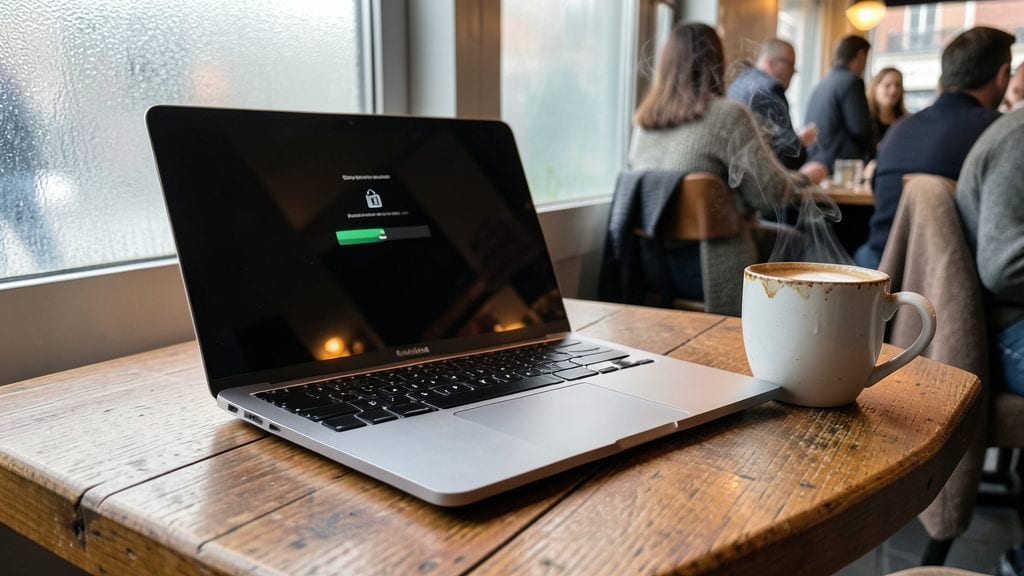
Imagine losing your laptop in a café—without full-disk encryption, your entire hard drive (emails, passwords, work files) becomes a goldmine for thieves. BitLocker (Windows) and FileVault (macOS) encrypt everything automatically, including system files, so even if someone steals your device, they can’t access a single byte without your password.
Both tools use AES-256 encryption (military-grade security) and integrate seamlessly with your OS. BitLocker works on Windows Pro/Enterprise, while FileVault is built into macOS—no extra software needed. Setup takes minutes, and the performance impact is negligible. Even lost or stolen devices stay locked down until you recover them.
This is the ultimate "set and forget" security measure—perfect for remote workers, freelancers, or anyone handling sensitive data. Once enabled, your files stay protected no matter where your device goes. ✨
Create Strong, Unique Passwords
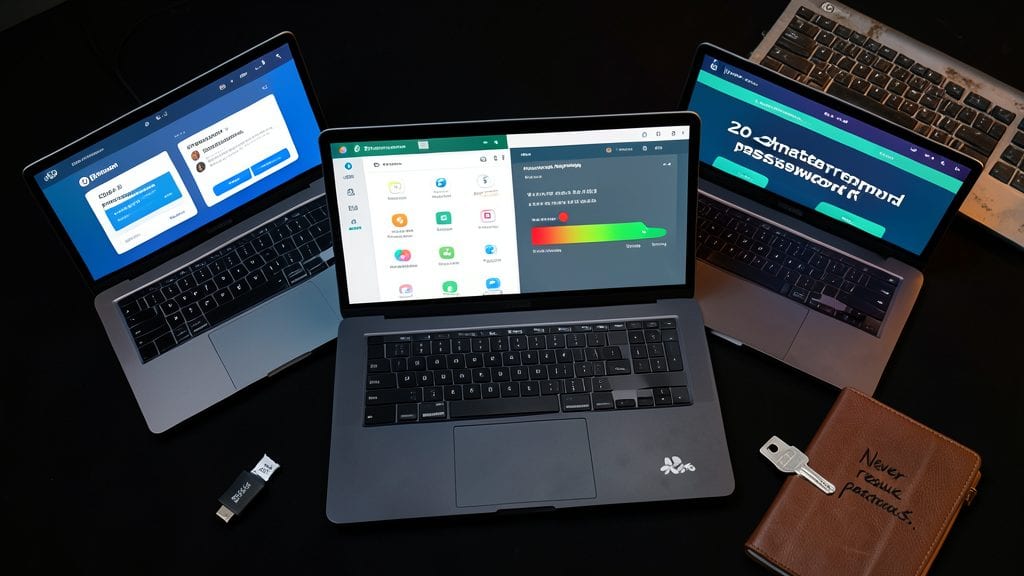
Tired of reusing the same weak passwords across accounts? A password manager like Bitwarden or 1Password eliminates this risk by generating and storing 256-bit encrypted credentials—no more "Password123" for your bank account.
These tools create random, 20-character passwords for every site, syncing securely across devices. Features like autofill and breach alerts notify you if your data appears in leaks, while zero-knowledge architecture ensures only you access your vault. Even free tiers offer end-to-end encryption, making them ideal for remote workers handling sensitive work data.
Perfect for professionals juggling multiple logins, password managers save time while drastically reducing breach risks. Your future self will thank you for never typing a password again. ✨
Secure Your Webcam and Microphone
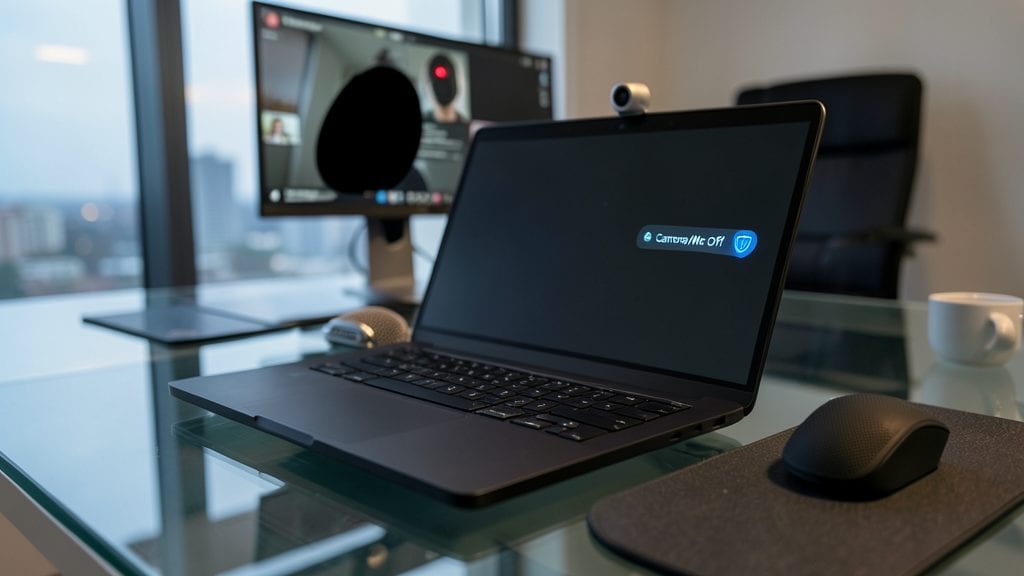
Your webcam and microphone are prime targets for hackers—especially when you’re not using them. A simple physical cover or software toggle can block unauthorized access before it happens, giving you peace of mind during video calls, meetings, or even when your devices are idle.
For hardware protection, use a privacy shutter (like those built into modern laptops) or a 3D-printed cover when not in use. Software-wise, tools like OBS Studio or Windows Camera Privacy Settings let you disable devices instantly. Even macOS has a built-in toggle in System Preferences > Security & Privacy to mute your mic with a single click.
This is a must for remote workers, freelancers, and anyone who values privacy—whether you’re in a coffee shop or your home office. 💻
Use a Virtual Private Network
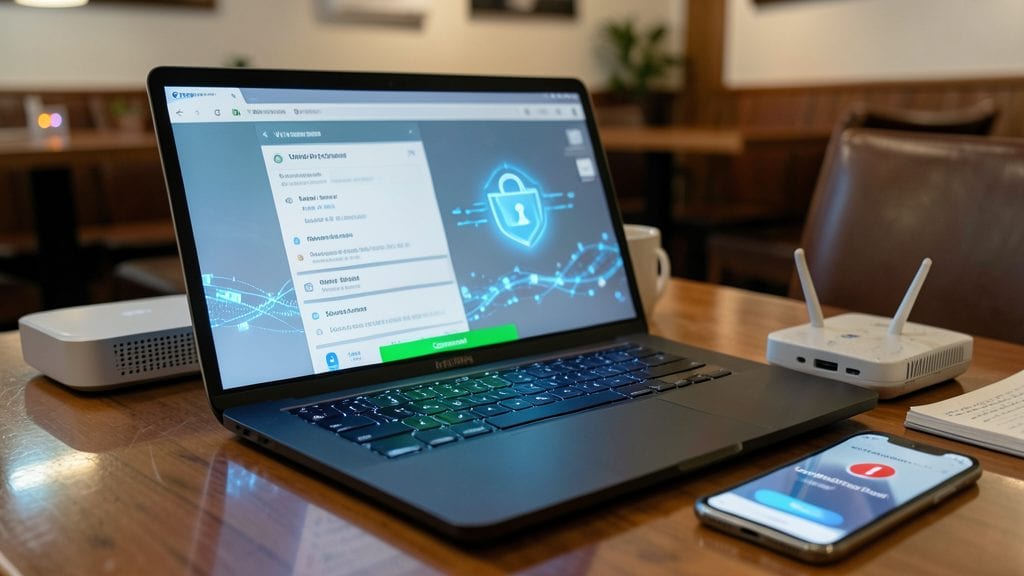
When connecting to public Wi-Fi or accessing company systems from abroad, a Virtual Private Network (VPN) acts as your digital bodyguard. It encrypts all internet traffic, making it impossible for hackers or ISPs to intercept sensitive data—whether you're logging into corporate tools or streaming geo-blocked content.
Top-tier VPNs like NordVPN or ExpressVPN offer military-grade encryption (AES-256), no-logs policies, and dedicated IP options for seamless access to restricted resources. Many also include kill switches to cut connections if the VPN drops, and split tunneling to route only critical traffic through encryption. For remote workers, this means secure access to internal databases, even from a café's unsecured network.
Ideal for travelers, freelancers, or anyone sharing devices, a VPN ensures your work stays private—no matter where you roam. ✨
Regularly Update All Software
Hackers don’t just target outdated software—they exploit it within hours of a vulnerability being discovered. The average remote worker’s device has at least 30 unpatched vulnerabilities at any given time, making updates your first line of defense against ransomware and data theft.
Most modern operating systems (Windows, macOS, Linux) and applications now offer automatic updates with security-first prioritization. Enable these features for your OS, browser (Chrome, Firefox, Edge), and productivity tools like Zoom or Slack. For enterprise software, use built-in update managers or third-party tools like Windows Update for Business to enforce compliance across teams.
This isn’t just about tech-savvy users—even non-technical remote workers can set their devices to update overnight. The 5-minute setup pays off when you’re protected against the latest exploits without lifting a finger. ⚡
Implement a Secure File-Sharing Policy
Email attachments are a hacker’s favorite way to sneak malware into your system—but you can stop them cold with a secure file-sharing policy. Instead of sending sensitive files via email, use encrypted cloud storage like Dropbox Business or Google Drive with Vault, which offer end-to-end encryption and access controls.
For even tighter security, leverage tools like Box Shield or Microsoft OneDrive with ransomware protection, which scan files for threats before they’re shared. These platforms also provide audit logs to track who accessed your files and when, giving you full visibility over your data’s journey. ⚡
This approach is ideal for remote teams handling client data, financial records, or proprietary projects—anyone who can’t afford a single accidental leak. 🌟
Train Employees on Phishing Awareness
Even with the best tech defenses, human error remains the weakest link—responsible for 90% of security breaches. Phishing attacks evolve daily, and remote teams often lack the training to spot sophisticated scams lurking in emails, messages, or fake login pages.
Platforms like KnowBe4 or PhishMe offer customizable simulated phishing tests that mimic real threats, from malicious links to spoofed executive requests. These tools track employee responses, providing real-time reports on vulnerabilities and automated retraining for those who fall victim. The best programs even integrate with your existing security stack for seamless compliance tracking.
This isn’t just for IT teams—every remote worker should participate. Regular training turns employees into your first line of defense, making the whole organization far harder to breach. 💪