
Software
Microsoft Teams is revolutionizing modern education by transforming how teachers communicate, collaborate, and engage students. Discover 10 game-changing benefits that make classroom management easier and learning more interactive than ever before.
Seamless Classroom Communication Platform
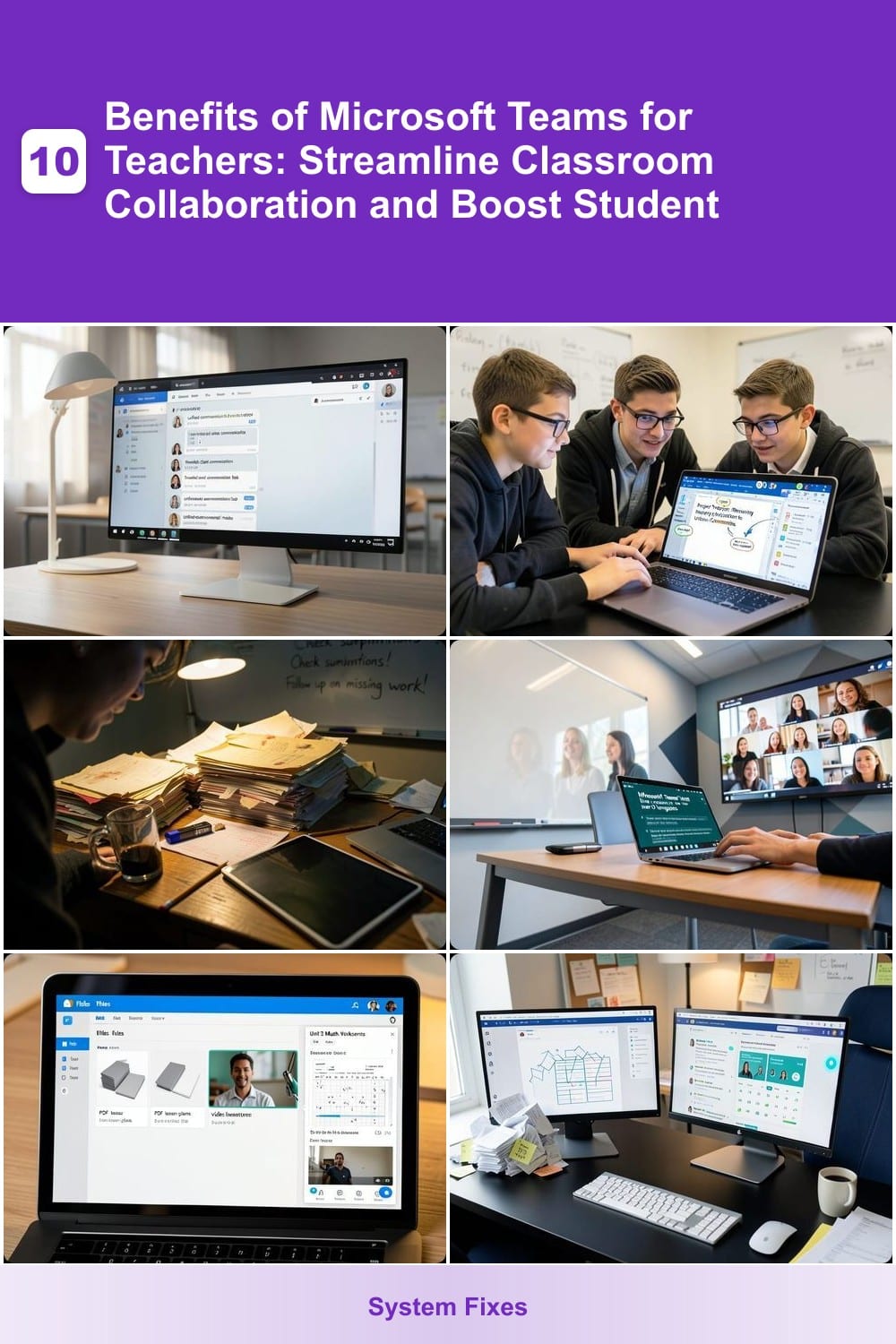
Say goodbye to the chaos of juggling email, messaging apps, and classroom announcements—Microsoft Teams’ unified communication hub brings it all together in one sleek, intuitive space. No more logging into separate platforms; chats, announcements, and emails live side-by-side, with threaded conversations that keep discussions organized and searchable.
The platform’s dedicated Class Notebook lets you pin important announcements at the top, while mention (@) tags ensure students see your messages even in busy channels. With in-app email integration, replies stay within Teams, and the mobile app keeps you connected on the go. Plus, translation tools break language barriers, so every student stays informed—no matter their first language.
This is perfect for busy high school teachers managing multiple classes or elementary educators coordinating with parents. Streamline your workflow and keep everyone on the same page—effortlessly. ⚡
Real-Time Classroom Collaboration Tools
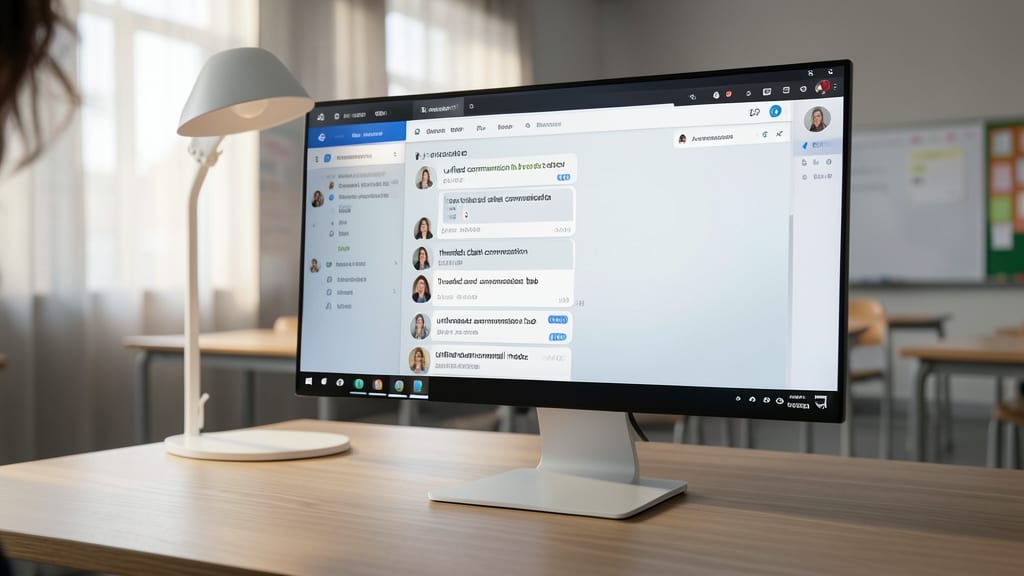
Forget static group projects—Microsoft Teams turns collaboration into an interactive experience with its real-time co-authoring tools. Students can edit the same Word document, Excel spreadsheet, or PowerPoint presentation simultaneously, with changes appearing instantly and version history tracking every revision.
The shared whiteboard feature lets teachers sketch diagrams, solve math problems, or brainstorm ideas together—perfect for visual learners. Assignments become dynamic with collaborative tasks, where students can submit work directly to a shared folder and receive feedback without leaving the platform. The mention (@) system ensures everyone stays on the same page, while the task list keeps group projects organized with deadlines and progress tracking.
This is ideal for STEM teachers running lab experiments, language instructors practicing group discussions, or art classes working on digital projects. Watch engagement soar as students see their peers’ contributions unfold in real-time. ✨
Built-In Assignment Management System

Tired of drowning in paper stacks and chasing down missing assignments? Microsoft Teams’ Built-In Assignment Management System transforms grading from a chore into a streamlined workflow—no extra tools required.
With automated submission tracking, you’ll instantly see who’s turned in work (and who’s not), while customizable rubrics and voice/video feedback tools let you grade efficiently. The system even syncs with Microsoft Forms for quizzes, and you can set deadlines with automated reminders—no more last-minute excuses. Plus, OneNote integration keeps all student work organized in one place.
This feature is a game-changer for teachers juggling multiple classes or subject areas, cutting grading time by up to 40% while keeping everything transparent for students. 💻
Hybrid and Remote Teaching Support
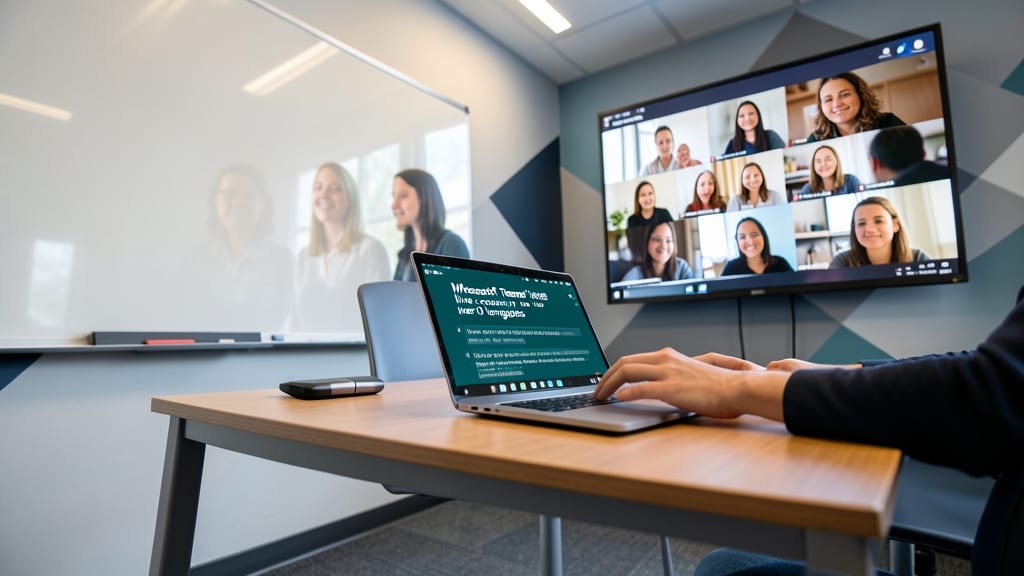
Teaching shouldn’t mean choosing between students—whether they’re sitting in your classroom or joining remotely. Microsoft Teams bridges that gap with its hybrid teaching tools, letting you deliver lessons to both groups simultaneously without missing a beat.
The platform’s live captions (in over 40 languages) and screen-sharing with annotations ensure remote students see and hear everything clearly, while the breakout rooms feature keeps in-person and virtual students engaged in small-group discussions. Plus, the recording and replay function means students who miss part of class—whether due to tech hiccups or time zones—can catch up instantly.
This is ideal for schools with mixed learning models, teachers supporting students with health concerns, or districts transitioning between in-person and online instruction. No student gets left behind—just seamless, inclusive education. ✨
Integrated Classroom Resources Hub
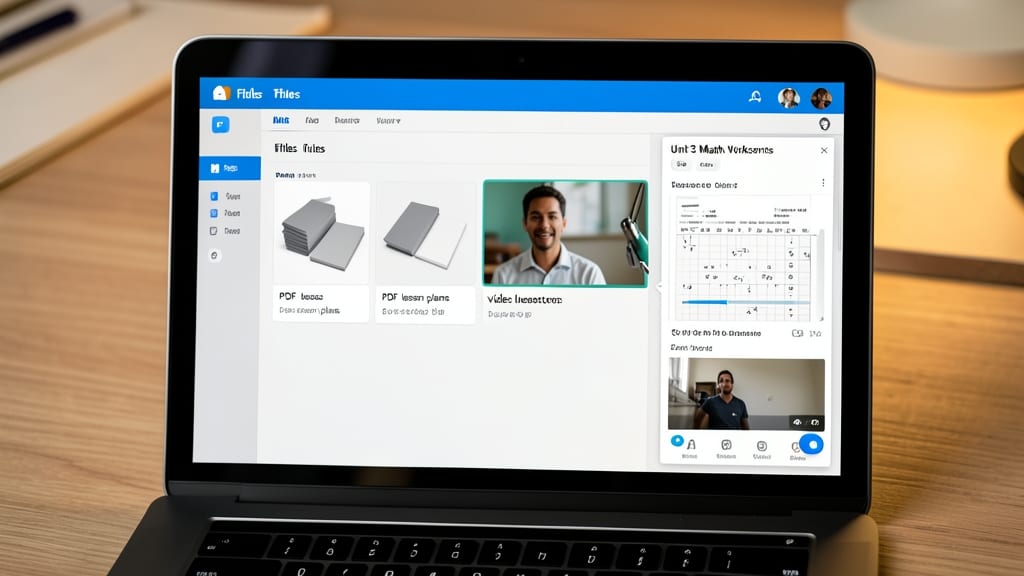
Tired of students asking, "Where’s the worksheet again?" Microsoft Teams’ Class Resources Hub solves this with a dedicated Files tab where you can upload and organize everything—from PDF lesson plans to video lectures—in one click.
The drag-and-drop folder system lets you categorize materials by unit, subject, or assignment, while OneDrive integration keeps files synced across devices. Students access everything with a single link, and the search function pulls up resources instantly—no more lost emails or scattered Google Drive links. Plus, you can pin important files to the top for quick visibility.
This feature is a game-changer for high school teachers juggling multiple subjects or college professors sharing dense reading materials. Say goodbye to the "I forgot to email that" chaos. ✨
Parent-Teacher Communication Bridge

Tired of juggling parent emails that get lost in your overflowing inbox? Microsoft Teams’ dedicated parent channels create a structured, organized space where guardians receive updates—classroom news, event reminders, and student progress—without clogging your personal communications.
With customizable permissions, you control who sees what, ensuring parents only access relevant updates. The shared calendar syncs events automatically, while announcement pins highlight key deadlines. Plus, translation tools help non-native English speakers stay informed—no more missed messages or misplaced emails.
This feature is a game-changer for teachers juggling communication with parents and students alike. It keeps everyone aligned while saving you time and stress. ✨
Interactive Polls and Quizzes
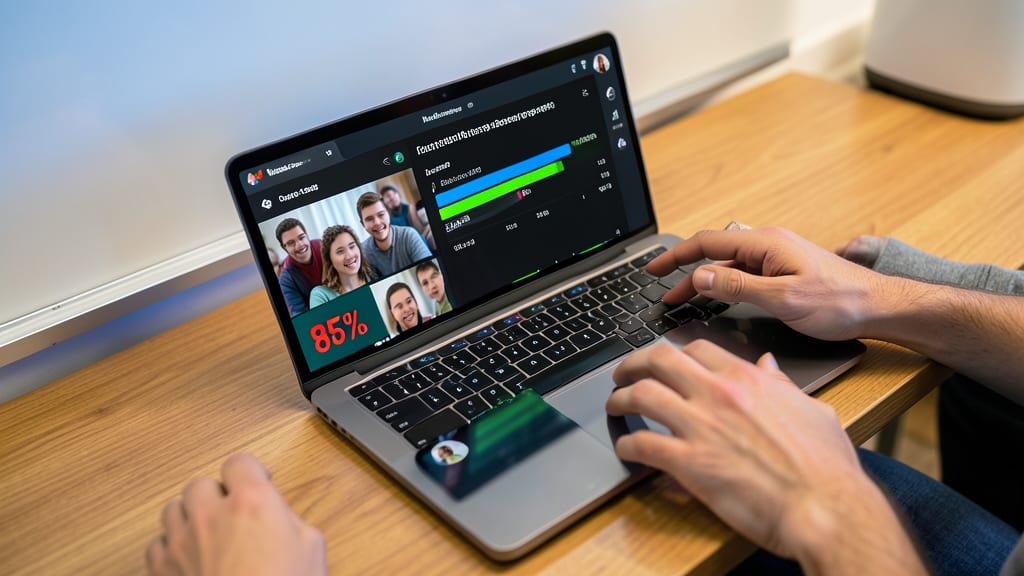
Turn passive lectures into lively discussions with Microsoft Teams’ built-in polling and quiz tools, designed to turn every student into an active participant. Whether you're gauging understanding mid-lesson or wrapping up a unit with a quick assessment, these features transform one-way teaching into a two-way conversation.
Create live polls with multiple-choice, emoji, or text responses that update in real-time, letting you adjust pacing based on the class’s engagement levels. For deeper assessment, use customizable quizzes with timed or untimed options, auto-graded questions, and even image-based questions to test visual literacy. The Form Pro integration (for Education subscribers) adds advanced analytics to track trends across your class.
Perfect for K-12 teachers needing quick engagement boosts or higher-ed instructors assessing complex topics—these tools work seamlessly on any device, from smartphones to interactive whiteboards. 💡
Secure and Compliant Student Data

Worried about student data breaches or compliance headaches? Microsoft Teams provides enterprise-grade security with end-to-end encryption and role-based access controls, ensuring only authorized personnel can view sensitive information.
Beyond security, Teams meets FERPA compliance out of the box, automatically handling data retention policies and audit logs to prove accountability. Features like data loss prevention (DLP) scan for sensitive info before it’s shared, while multi-factor authentication (MFA) adds an extra layer of protection for teacher and student accounts.
This makes Teams ideal for schools handling special education records, attendance data, or disciplinary files—giving administrators peace of mind while keeping classrooms connected. 🔧
Customizable Classroom Notifications
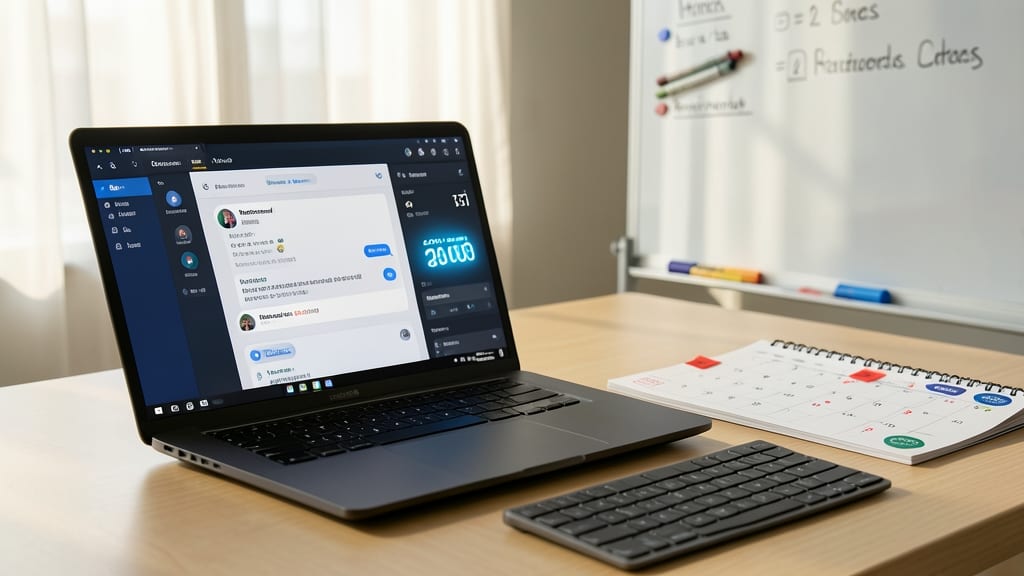
Endless email chains and missed deadlines? Microsoft Teams’ customizable notifications let you send alerts exactly when students need them—no more FOMO for late submissions.
Set reminder thresholds (e.g., 24 hours before a quiz) or priority flags for urgent announcements, with options to notify via push alerts, email, or in-app banners. The system even tracks read receipts, so you’ll know if students acknowledged your message. For teachers juggling multiple classes, group-specific alerts ensure math students get math reminders—no cross-category clutter.
This feature shines for high-school teachers managing busy schedules or special education instructors coordinating multiple deadlines. Less confusion, more participation—all with a few clicks. ✨
Seamless Integration with Office 365
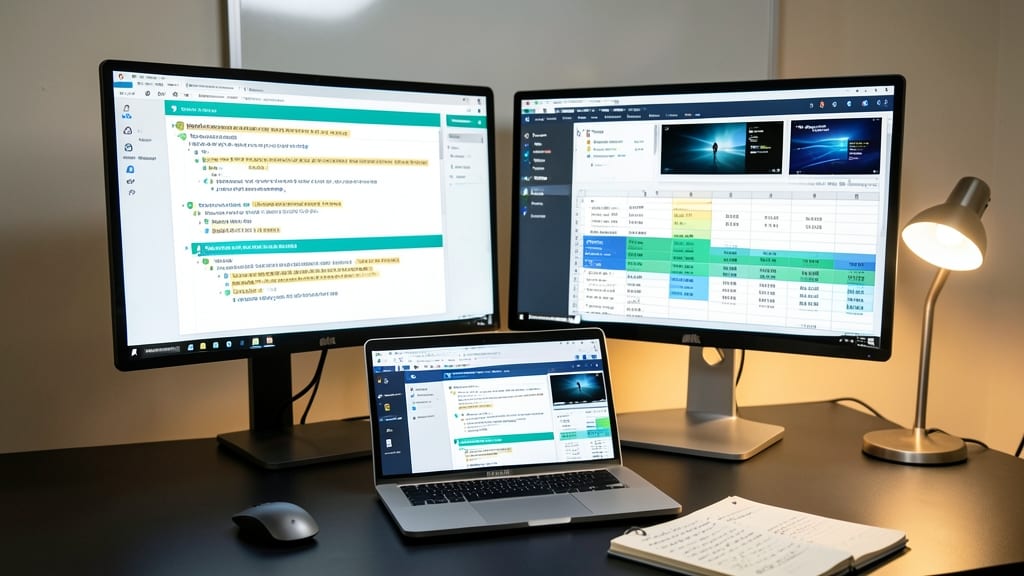
Tired of juggling separate apps for lesson planning and grading? Microsoft Teams’ deep integration with Office 365 turns your workflow into a powerhouse—no more context-switching between tools.
Create interactive lesson plans in Word, analyze student data in Excel, design presentations in PowerPoint, and organize notes in OneNote—all while keeping everything synced in Teams. The co-authoring feature lets students edit shared documents in real-time, perfect for collaborative projects or peer reviews. Plus, automatic version control ensures you never lose progress.
This is the ultimate tool for educators who want to streamline grading, lesson prep, and student collaboration—all without leaving the Teams ecosystem. ✨