Skip to content
System Fixes

System Fixes

  • All Articles
  • App
  • Coding
  • Excel
  • More
    • Hardware
    • Keyboard
    • Microsoft Office
    • Operating System
    • Outlook
    • PowerPoint
    • Review
    • Software
    • Tip & Trick
    • Troubleshooting
    • Windows

PowerPoint — Page 3

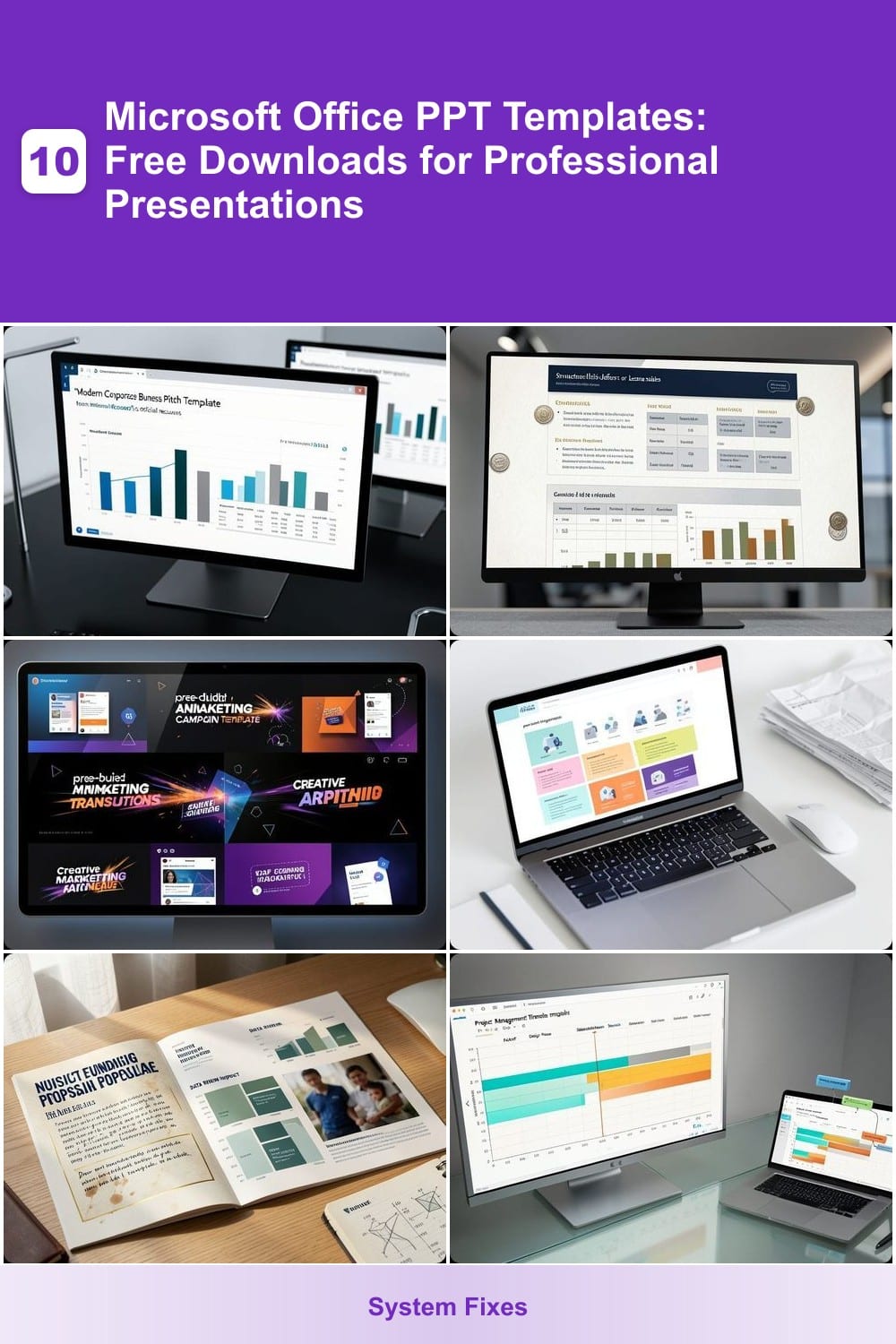
10 Microsoft Office PPT Templates: Free Downloads for Professional Presentations
October 10, 2026 by Wesley Marchetti
10 Microsoft Office PPT Templates: Free Downloads for Professional Presentations

Need polished PowerPoint presentations without spending a dime? These 10 free Microsoft Office-compatible templates cover everything from corporate reports to creative pitches, designed to save you time while boosting…
Read more

Categories PowerPoint

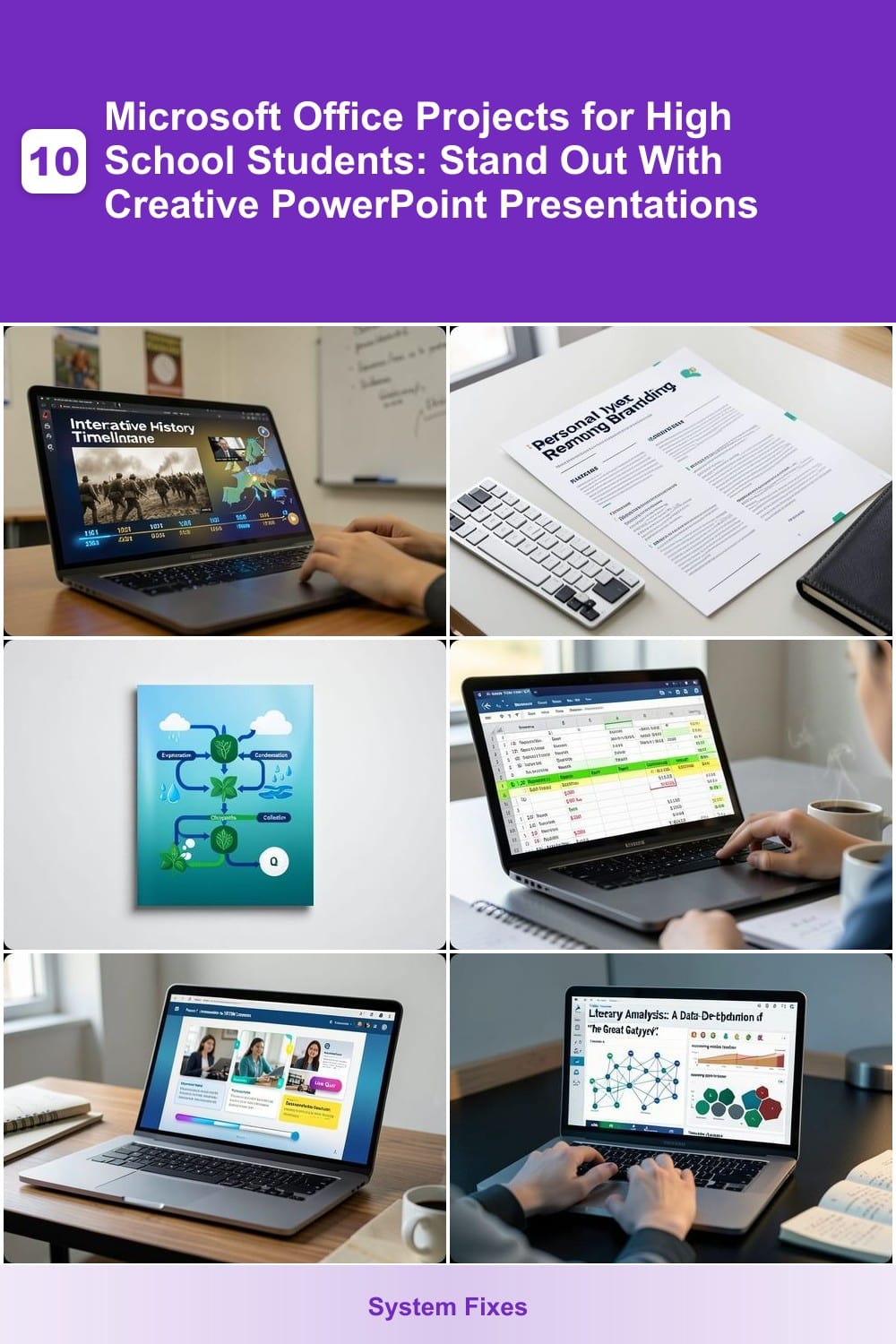
10 Microsoft Office Projects for High School Students: Stand Out With Creative PowerPoint Presentations

October 26, 2026 by Wesley Marchetti
10 Microsoft Office Projects for High School Students: Stand Out With Creative PowerPoint Presentations

High school students can showcase their creativity and skills with Microsoft Office projects that impress teachers and peers alike. These 10 standout ideas leverage PowerPoint, Excel, and Word to create polished…

Read more

Categories PowerPoint

Visio Process Flow Diagram Templates: Free Downloads With Editable Shapes & Industry-Specific Symbols

November 17, 2026 by Wesley Marchetti
Visio Process Flow Diagram Templates: Free Downloads With Editable Shapes & Industry-Specific Symbols

Download a Visio process flow diagram template for free and skip the tedious design work—these ready-made files include industry-standard shapes and workflow layouts in .vsdx format. Ever spent hours aligning shapes and…

Read more

Categories PowerPoint

Where Is Slide Master in PowerPoint: Exact Location and How to Access It Quickly

October 13, 2026 by Wesley Marchetti
Where Is Slide Master in PowerPoint: Exact Location and How to Access It Quickly

💥 Quick Answer To find the Slide Master in PowerPoint, go to the 'View' tab on the ribbon, click 'Slide Master,' and you'll access the design template editor for consistent slide formatting. You can also open it…

Read more

Categories PowerPoint

Where Is the Eyedropper in PowerPoint: Exact Location and Shortcut Key Explained

November 17, 2026 by Wesley Marchetti
Where Is the Eyedropper in PowerPoint: Exact Location and Shortcut Key Explained

💥 Quick Answer To find the eyedropper in PowerPoint, look in the Home tab under the Font group where it’s labeled as the Eye Dropper icon. Use the shortcut Alt + H , then E , D to access it instantly for copying exact…

Read more

Categories PowerPoint

Where Is the Thumbnail Pane in PowerPoint: Hidden Menu Location and How to Toggle It

November 21, 2026 by Wesley Marchetti
Where Is the Thumbnail Pane in PowerPoint: Hidden Menu Location and How to Toggle It

💥 Quick Answer The thumbnail pane in PowerPoint is located by default in the left sidebar under the 'Slides' tab, but if hidden, you can toggle it by right-clicking the sidebar or selecting 'View' > 'Slide Pane' in the…

Read more

Categories PowerPoint
Page1Page2Page3

About Me

Wesley Marchetti

Wesley Marchetti
My first computer was a clunky desktop my parents bought me in the late '90s, and I spent hours tinkering with it—mostly breaking things before figuring out how to fix them. That curiosity never left me, and now I run this site to help others navigate the digital world without pulling their hair out. Whether it’s troubleshooting a stubborn Windows update or choosing the right Linux distro, I’m here to make tech feel less intimidating—and a little more fun.

Learn more

Recent Posts

  • How to Set up Thunderbird Email: No-Code Configuration for Secure Sync
    How to Set up Thunderbird Email: No-Code Configuration for Secure Sync
  • Microsoft Text-to-Speech Voices Download: Offline Installer for Full Library Access
    Microsoft Text-to-Speech Voices Download: Offline Installer for Full Library Access
  • Install Windows 11 Admx Templates on Domain Controller: Domain Controller Deployment Guide for IT Pros
    Install Windows 11 Admx Templates on Domain Controller: Domain Controller Deployment Guide for IT Pros
  • How to Turn on Email Notifications: Three-Click Activation for Every Device
    How to Turn on Email Notifications: Three-Click Activation for Every Device
  • How to Get Microsoft Rewards Level 2: Hidden Points Multiplier Unlocked
    How to Get Microsoft Rewards Level 2: Hidden Points Multiplier Unlocked
  • All Guides
  • About
  • Contact
  • Privacy Policy
  • Cookie Policy
  • Terms of Use
© 2026 systemfixes.click