
Operating System
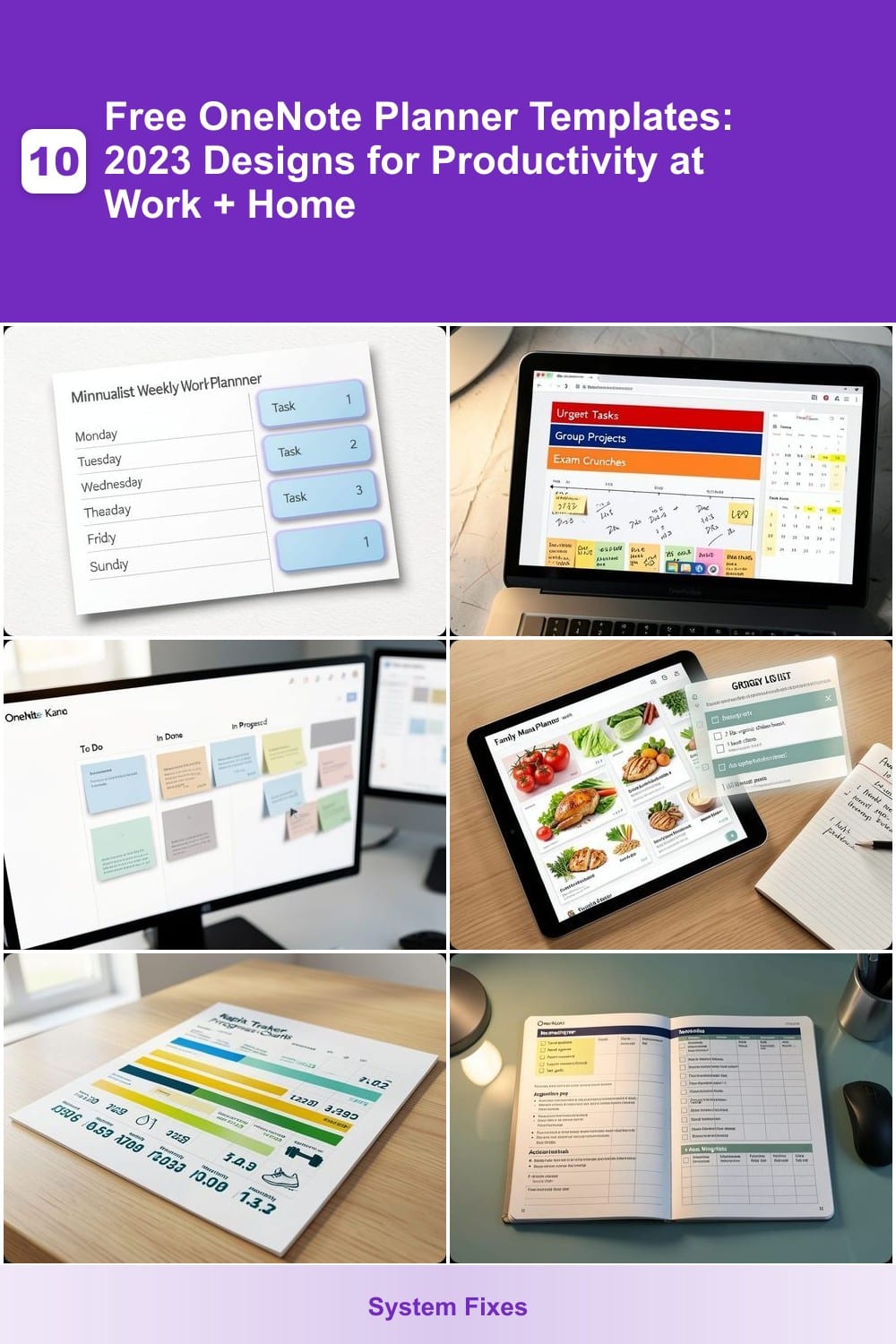
OneNote planner templates transform digital clutter into organized productivity. These 10 free 2023 designs—tested for Windows and mobile—help professionals, students, and families streamline tasks, meetings, and goals without breaking the bank.
Minimalist Weekly Work Planner
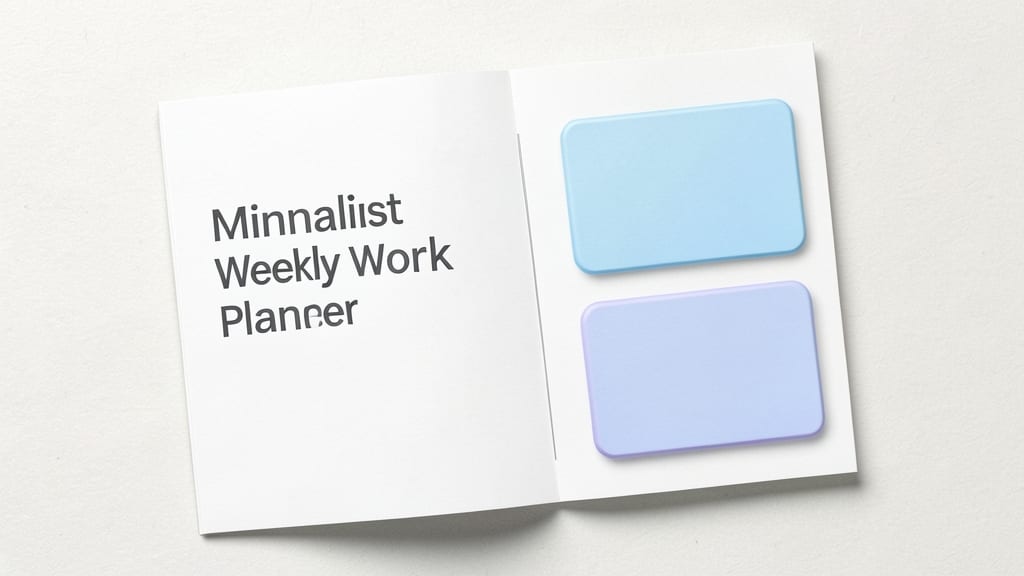
Tired of cluttered digital planners that steal your focus? The Minimalist Weekly Work Planner cuts through the noise with a zero-fluff design—think clean typography, ample white space, and pastel-blue task cards that blend productivity with professionalism. Unlike bloated templates, it prioritizes daily task blocks, deadline flags, and priority indicators (like red/yellow/green labels) to keep your week on track without visual distractions.
Key features include a modular layout that adapts to your workflow, syncable across devices, and OneNote’s ink support for quick handwritten notes. The template even includes a "Focus Mode" section to block out distractions during deep work—perfect for remote professionals juggling emails and meetings. With customizable columns for projects, calls, and breaks, it’s built for professionals who value efficiency over aesthetics.
Ideal for remote workers, freelancers, or managers who thrive in distraction-free environments, this planner turns chaotic to-do lists into a streamlined, stress-free workflow. Whether you’re drafting reports at your Windows 11 desktop or reviewing tasks on your phone, it keeps your priorities sharp. ⚡
Student Study Schedule Template
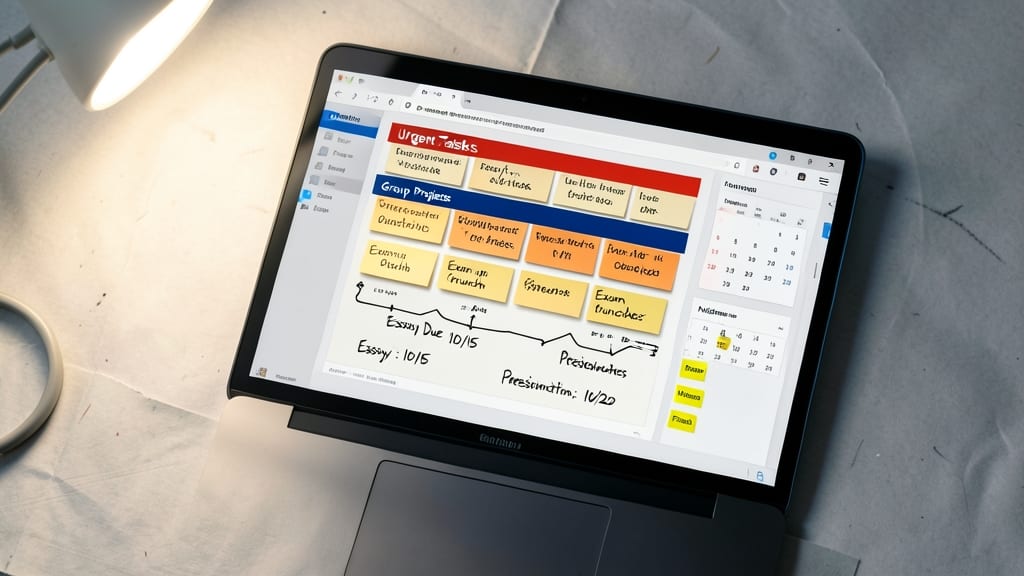
Drowning in homework, group projects, and last-minute exam crunches? The Student Study Schedule Template is your academic lifeline, blending structure with flexibility to keep stress at bay. Unlike generic planners, this OneNote design includes dedicated sections for coursework deadlines, color-coded subject dividers, and built-in Pomodoro timers (25-minute focus bursts with 5-minute breaks) to match your brain’s natural rhythms.
Key features include a visual calendar for exam dates, a dynamic to-do list that syncs across devices, and sticky-note-style reminders for last-minute study sessions. The template even has a "Review & Reflect" section to help you analyze weekly progress—critical for turning good grades into great ones. With OneNote’s handwriting support, you can jot down notes on your Surface Pro or iPad while staying organized.
This is the ultimate tool for high schoolers balancing AP classes or college students juggling research papers and internships. Whether you're cramming for finals or maintaining steady study habits, it turns academic chaos into a battle-tested setup. ✨
Project Management Kanban Board
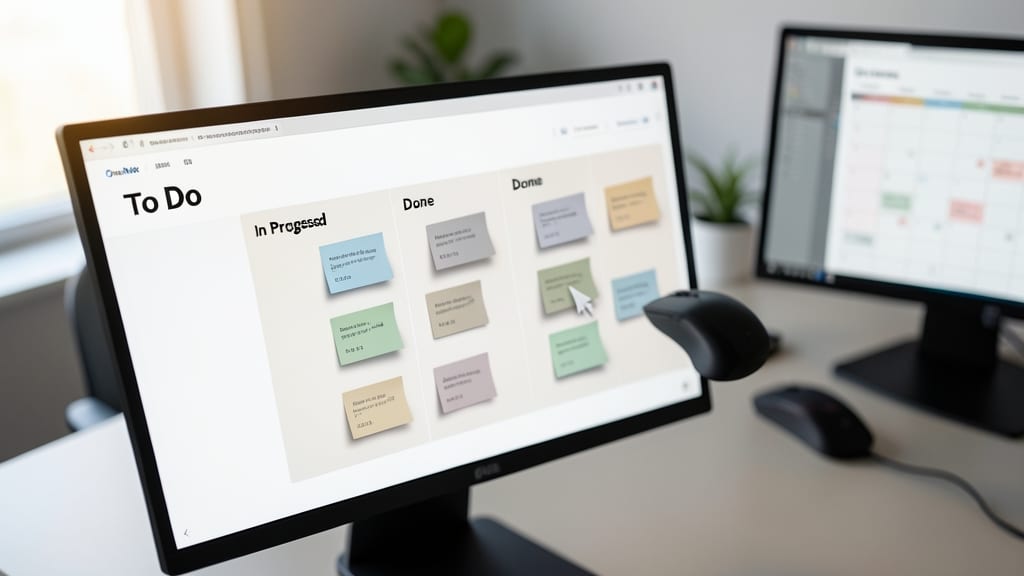
Say goodbye to scattered sticky notes and hello to streamlined workflows with this Agile-inspired Kanban Board template. Designed for real-time project tracking, it mirrors the flexibility of physical boards but with the power of digital drag-and-drop functionality—perfect for teams or solo freelancers managing multiple projects.
The template includes three core columns ("To Do," "In Progress," and "Completed") with customizable task cards that support priority labels, due dates, and checklists. You can even add team members by tagging them directly in OneNote for instant collaboration. The color-coded system ensures visual clarity, while the built-in search function lets you quickly locate tasks across projects.
This is the go-to tool for freelancers juggling client work or team leads coordinating sprints. Whether you're a developer tracking bugs or a marketer managing campaigns, the Kanban Board turns chaos into clarity with minimal setup. 💻
Family Meal Planner with Grocery List
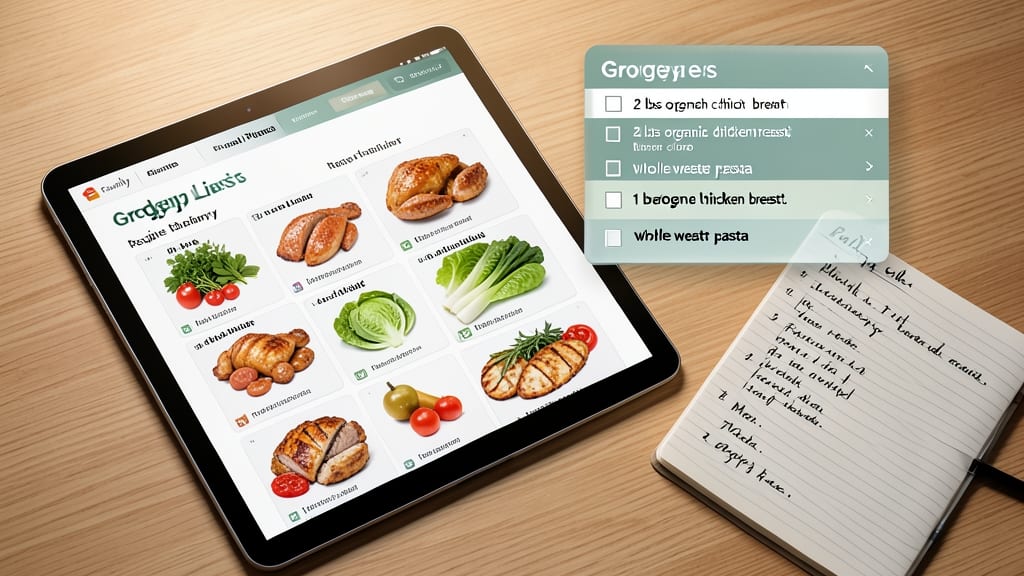
End the weekly grocery store chaos with this Family Meal Planner with Grocery List, designed to sync your family’s meals with a real-time shopping list. The template features a drag-and-drop recipe library (with space for your own family favorites) alongside a dynamic grocery list that automatically updates when you mark items as "purchased." No more forgotten staples or last-minute trips to the store!
You’ll love the color-coded meal categories (breakfast, lunch, dinner, snacks) and the built-in pantry inventory tracker to avoid waste. The weekly calendar view lets you plan meals around schedules, while the shareable grocery list keeps everyone on the same page—whether you’re texting the list to your partner or printing it for the store. Syncs seamlessly across devices so you’re always prepared.
Perfect for busy parents, meal-prep enthusiasts, or anyone tired of scrambling for dinner ideas. This template turns grocery shopping into a stress-free, budget-friendly experience. 💪
Habit Tracker with Progress Charts
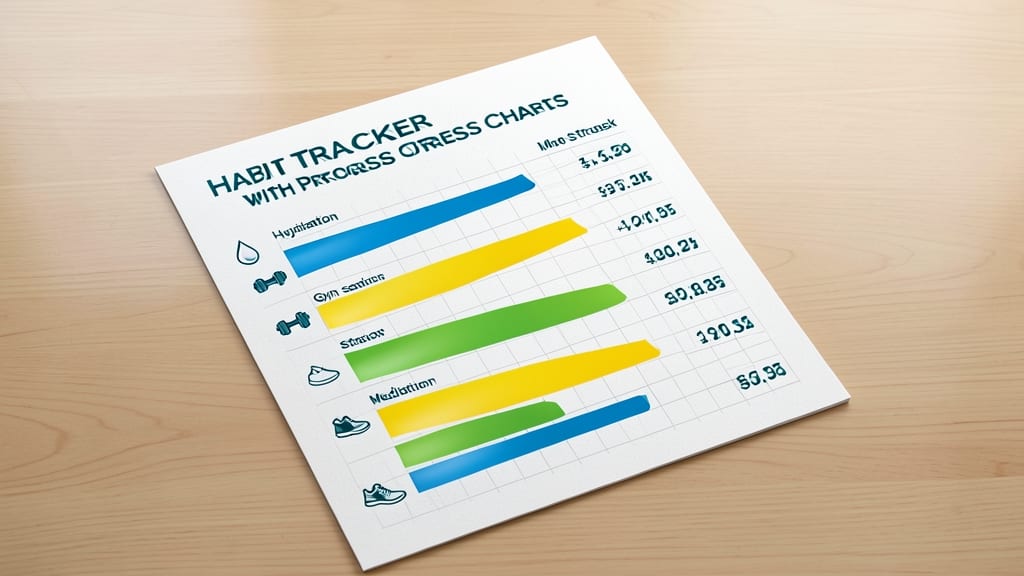
Struggling to stick with new habits like drinking more water or hitting the gym? This Habit Tracker with Progress Charts template turns consistency into a game—literally. With color-coded progress bars and weekly/monthly streak counters, you’ll visualize your wins in real time, making it easier to stay motivated.
The template includes customizable habit categories (e.g., exercise, reading, hydration) and auto-generated reports to reflect on patterns over time. You can even set milestone rewards (like a checkmark for 7 days in a row) to reinforce positive behavior. Plus, the OneNote integration means your progress syncs across devices, so you’re never left guessing where you left off.
Perfect for fitness enthusiasts, busy professionals, or anyone looking to break bad habits—this tracker turns abstract goals into tangible, rewarding progress. 💪
Meeting Agenda and Notes Template
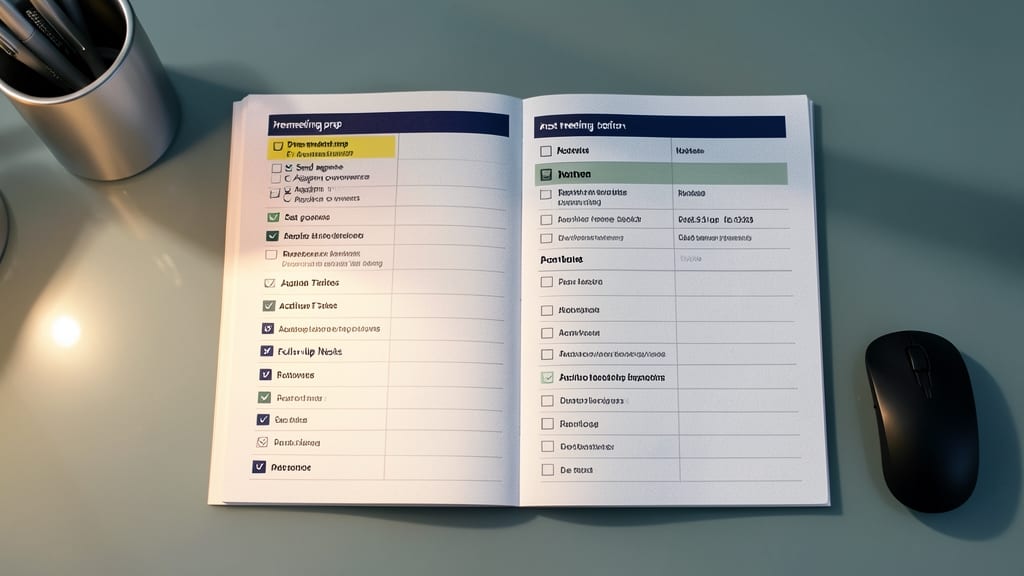
Tired of meetings that derail into chaos or end with forgotten action items? This Meeting Agenda and Notes Template saves the day with a structured workflow that keeps discussions focused and follow-ups on track—no more scattered notes or lost commitments.
It includes dedicated sections for pre-meeting agendas (with time allocations), real-time discussion notes, and post-meeting action items assigned to owners with deadlines. The color-coded timeline visually separates discussion topics, while the built-in follow-up tracker ensures nothing falls through the cracks. Best of all, it syncs seamlessly across devices, so your team stays aligned whether you're in the office or joining a Zoom call from Denver’s Red Rocks hiking trails.
Perfect for managers, project leads, or anyone hosting regular syncs, this template turns unproductive meetings into collaborative powerhouses. 💻
Budget Tracker with Expense Categories
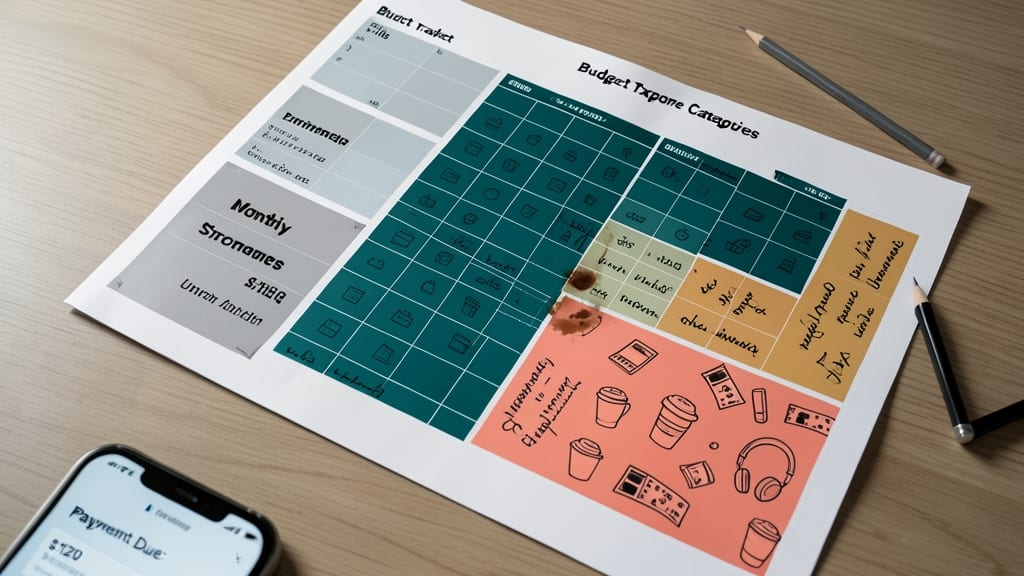
If your bank account feels like a mystery wrapped in a riddle, this Budget Tracker with Expense Categories turns chaos into clarity. With color-coded tables for bills, groceries, and entertainment, you’ll spot spending patterns faster than a freelancer chasing a late client payment.
The template includes pre-built categories (like utilities, dining out, and subscriptions) with auto-calculated totals, so you can adjust budgets on the fly. Add your own income streams—perfect for irregular paychecks—and watch your financial health improve with real-time progress bars. Sync it across devices, and your budget stays with you whether you're at your Windows desktop or mobile device.
Freelancers, gig workers, or anyone juggling variable income will love how this template simplifies tax prep by tracking deductible expenses. No more guessing at year-end—just organized data ready for your accountant. ✨
Travel Itinerary Organizer
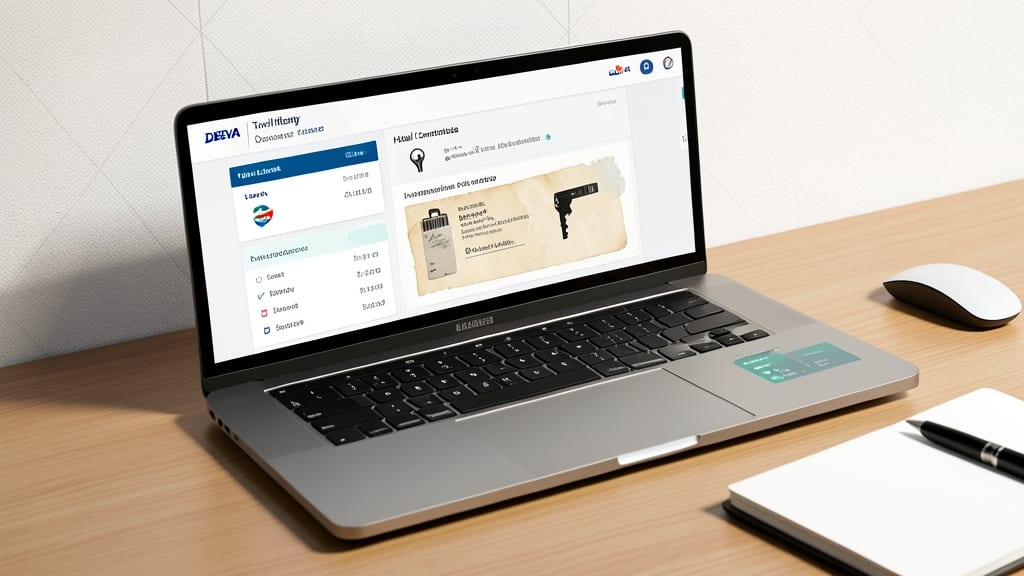
Forget juggling printed itineraries and scattered notes—this Travel Itinerary Organizer keeps your entire trip in one searchable, digital hub. Whether you're a road warrior or planning a family vacation, it consolidates flights, hotel confirmations, and packing lists into a single, customizable space.
Key features include interactive checklists for packing essentials (like passports and chargers), embedded maps for directions, and dedicated sections for receipts or travel insurance details. The template also syncs across devices, so you can access updates in real time—whether you're checking your phone at the airport or reviewing details on your tablet at home.
Perfect for families coordinating multi-stop trips or frequent travelers who hate missing flight details. No more frantic searches through emails or notes—just one organized, stress-free planning center. ✨
Health and Wellness Journal
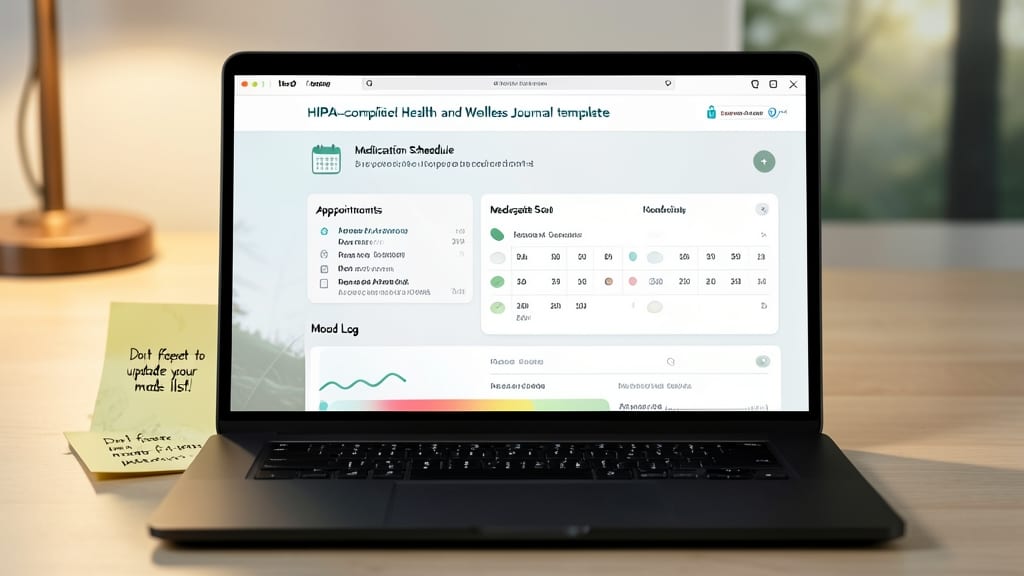
Managing chronic conditions or mental health shouldn’t mean juggling sticky notes and paper journals. This HIPAA-compliant Health and Wellness Journal template keeps everything—appointments, medication schedules, and mood logs—securely organized in one place, with encrypted storage for peace of mind.
You’ll find dedicated sections for tracking symptoms, doctor visits, and daily wellness metrics, plus customizable checklists to ensure nothing slips through the cracks. The template even includes a private notes section for journaling thoughts or concerns, all while syncing seamlessly across your devices. Built with healthcare privacy in mind, it’s the perfect tool for those who need both structure and security.
Ideal for caregivers, patients, or anyone prioritizing mental and physical wellness, this template turns overwhelming health management into a streamlined, stress-free routine. ✨
Customizable Goal-Setting Dashboard
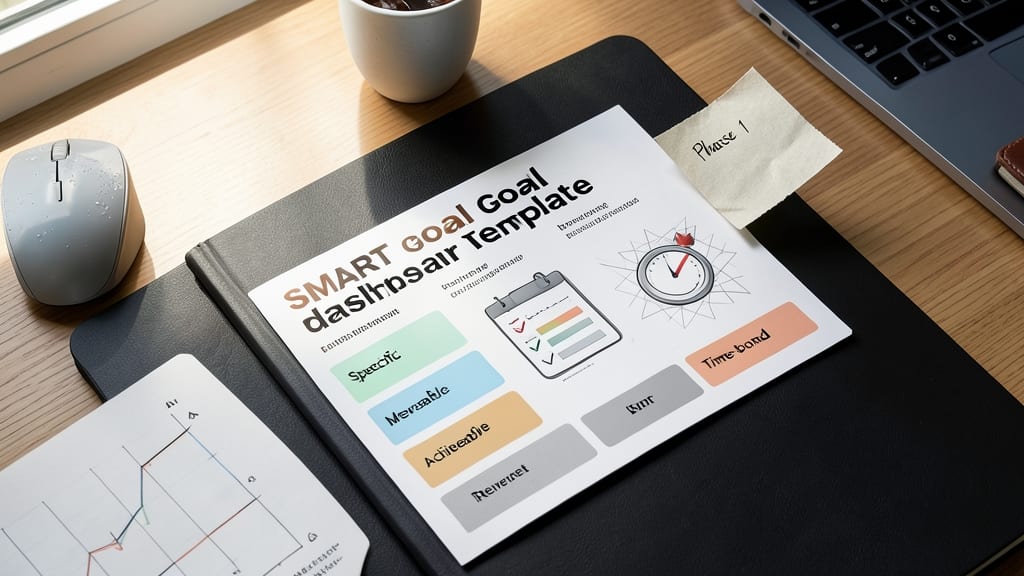
Turn vague aspirations into measurable milestones with this SMART goal dashboard designed for entrepreneurs and big-thinkers. Unlike rigid checklists, this template adapts to Specific, Measurable, Achievable, Relevant, and Time-bound frameworks, letting you break projects into digestible phases with visual progress bars.
You’ll find pre-built sections for milestone tracking, reward systems (e.g., "Complete 3 client calls = coffee break"), and quarterly review prompts—all synced to OneNote’s cross-platform sync. The included Gantt-style timeline lets you drag-and-drop deadlines, while the "Vision Board" tab helps visualize long-term objectives with drag-and-drop images or notes.
Perfect for solopreneurs, startup founders, or anyone chasing audacious goals—this dashboard turns abstract dreams into actionable sprints. ✨